

What Does SEO Mean?
Understanding SEO
SEO stands for Search Engine Optimization, which is the process of improving a website's visibility and ranking on search engines like Google, Bing, and others. The goal of SEO is to increase organic (non-paid) traffic by making your website more attractive and relevant to search engines and users alike.
Key Elements of SEO
SEO involves a combination of strategies including keyword research, content creation, technical improvements, and link building. Effective SEO ensures that your website meets the criteria search engines use to rank pages, such as relevance, authority, and user experience. By focusing on SEO, you can drive targeted traffic to your website, improve user engagement, and increase conversions.
What is an SEO Tool?
Definition of an SEO Tool
An SEO tool is software or an online platform designed to assist website owners, SEO professionals, and small business owners in analyzing and optimizing their websites for search engines. These tools help identify website SEO issues, track rankings, analyze backlinks, perform keyword research, and generate reports to improve SEO performance.
Types of SEO Tools
SEO tools range from simple keyword suggestion utilities to comprehensive platforms that provide detailed SEO audits and competitive analysis. Many SEO agencies and professionals rely on these tools to streamline their workflow and deliver measurable results. Free SEO tools are especially valuable for small business owners and beginners who want to improve their SEO without investing in expensive software.
Now that you understand what SEO tools are, let's explore the most widely used options available for free.
Introduction to SEO Optimization
Who Should Use Free SEO Tools?
This guide is designed for website owners, small business owners, and SEO professionals looking for effective, no-cost solutions. Whether you're a beginner or an experienced SEO professional, incorporating free SEO optimization tools into your workflow can help you stay ahead of the competition and achieve long-term SEO success.
Key Benefits of Free SEO Tools
Free SEO optimization tools allow you to improve your website’s search performance without incurring additional costs, making them accessible for all experience levels. These free tools cover a wide range of SEO needs, from technical SEO audits to on-page SEO analysis and backlink checking. Using them effectively can provide valuable insights into your website’s SEO health, uncover hidden issues, and offer actionable recommendations to boost your search visibility.
Why Free SEO Optimization Tools Matter
Free SEO audit tools can analyze your website for critical SEO issues, generate detailed reports, provide a prioritized task list, and help users understand their website's SEO health and opportunities for improvement without incurring costs. This makes them an essential resource for anyone looking to enhance their website’s performance and search engine rankings.
Transitioning from the basics, let's look at the most popular free SEO optimization tools available today.
Top Free SEO Optimization Tools
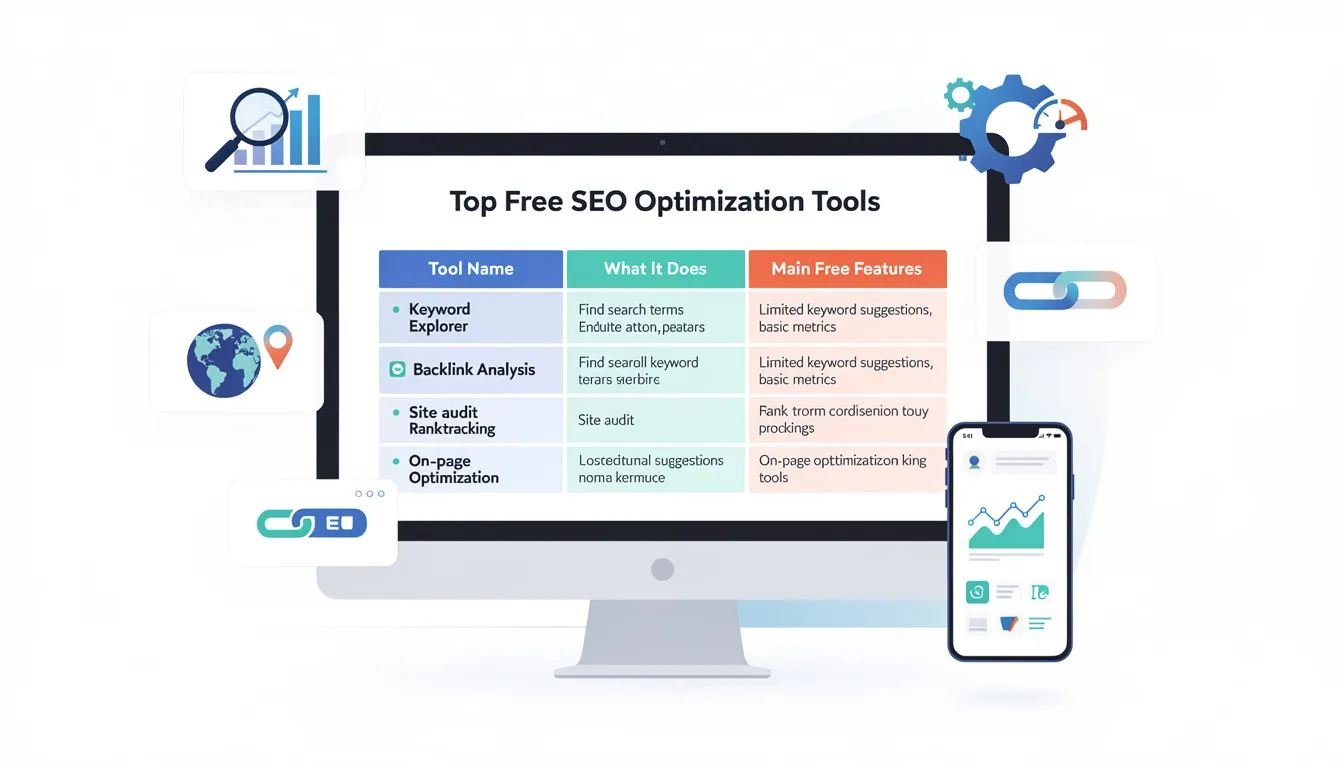
Below is a table listing the top free SEO optimization tools, along with a brief description of what each tool does and its main free features:
|
Tool Name |
Main Free Features |
|---|---|
|
Google Search Console |
Monitors website performance in Google search, checks indexing status, identifies technical errors, and provides search analytics. |
|
Google Analytics |
Tracks website traffic, user behavior, conversion metrics, and integrates with Search Console for comprehensive SEO insights. |
|
Screaming Frog SEO Spider |
Crawls websites to identify broken links, duplicate content, missing meta tags, and other technical SEO issues (free version limited to 500 URLs per crawl). |
|
Ubersuggest |
Offers keyword research, site audit, backlink analysis, and content ideas with limited daily searches for free users. |
|
MozBar |
Chrome extension that provides instant on-page SEO analysis, keyword data, and link metrics directly in your browser. |
|
Ahrefs Webmaster Tools |
Free site audit and backlink analysis, checks for technical SEO issues, and monitors website health. |
|
Google Keyword Planner |
Generates keyword ideas, search volume data, and competition analysis for PPC and SEO campaigns. |
|
GTmetrix |
Analyzes site speed and performance, provides actionable recommendations to improve load times and Core Web Vitals. |
|
AnswerThePublic |
Visualizes search questions and autocomplete queries to help generate content ideas and optimize for user intent. |
These tools collectively help you check for technical errors, on-page SEO issues, keyword optimization, site speed, mobile usability, and more—without any subscription fees or usage limitations.
Now that you know which tools to use, let's dive deeper into the core concepts and strategies of SEO optimization.
What are the Most Used SEO Tools?
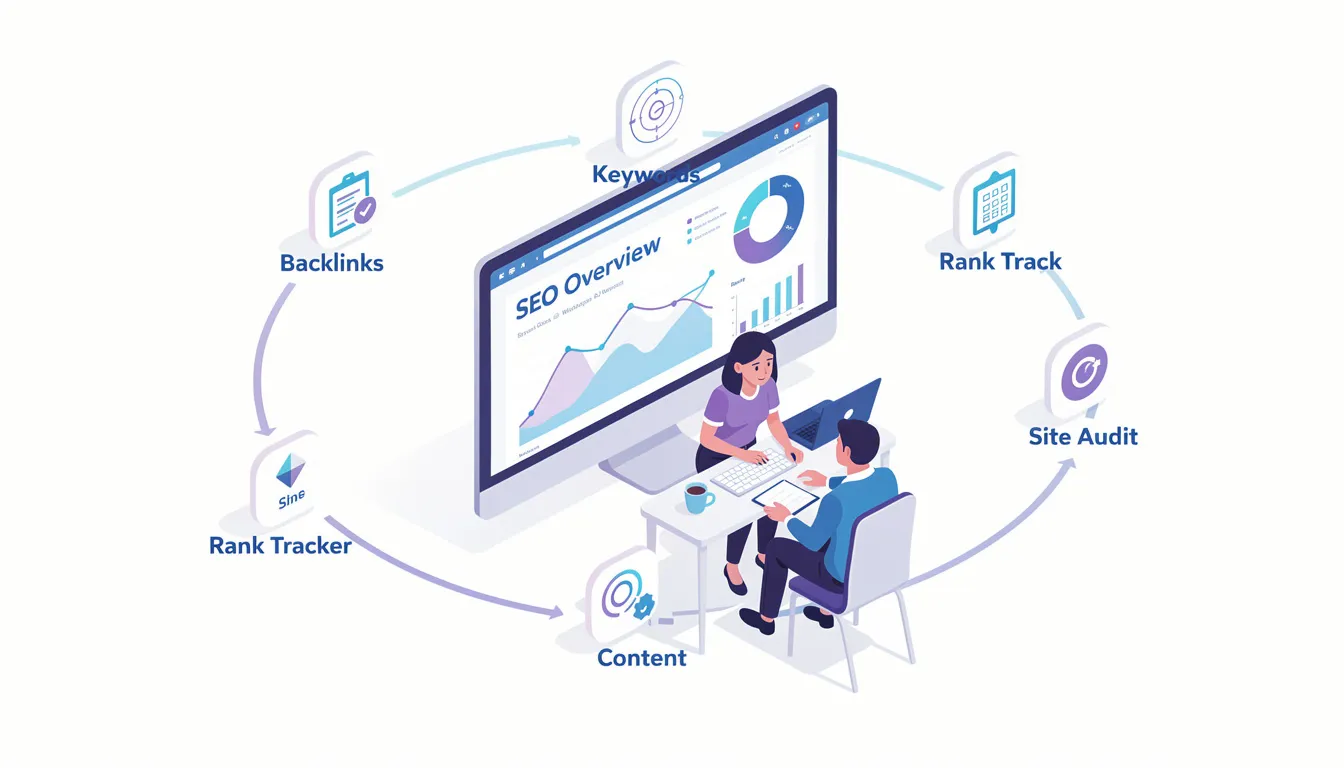
Some of the most widely used SEO tools include:
-
Google Search Console: Provides insights into your website’s search performance, indexing status, and technical SEO issues.
-
Google Analytics: Tracks website traffic, user behavior, and conversion metrics to measure SEO effectiveness.
-
Ahrefs Webmaster Tools: Offers backlink analysis, keyword research, and site audits with a limited free version.
-
SEMrush: Provides competitive analysis, keyword tracking, and SEO audit tools.
-
Moz: Features keyword research, site audits, and link analysis.
-
Screaming Frog SEO Spider: A desktop crawler that identifies broken links, duplicate content, and metadata issues.
-
Ubersuggest: Delivers keyword suggestions, site audits, and backlink data with free daily limits.
-
MozBar: Chrome extension for instant on-page SEO analysis and link metrics.
-
Google Keyword Planner: Supplies keyword ideas and search volume data for SEO and PPC.
-
GTmetrix: Analyzes site speed and provides recommendations for performance improvements.
-
AnswerThePublic: Visualizes search questions and content ideas based on user queries.
Using a combination of these tools can give you a comprehensive view of your website’s SEO health and help you develop a robust SEO strategy.
With the right tools in hand, it's important to understand the different types of SEO and how they contribute to your website's success.
What are the 4 Types of SEO?
SEO can be broadly divided into four types:
-
On-Page SEO: Optimizing individual web pages, including content, meta tags, headings, and internal links. This ensures each page is relevant and well-structured for search engines and users.
-
Off-Page SEO: Activities outside your website, mainly backlink building and social media engagement, which help build your site’s authority and trustworthiness.
-
Technical SEO: Enhancing website infrastructure, such as site speed, mobile usability, crawlability, and security, to ensure search engines can efficiently access and rank your site.
-
Local SEO: Optimizing your online presence to attract local customers, including Google Business Profile and local citations, which is crucial for businesses serving specific geographic areas.
Understanding these types helps you focus on all aspects of SEO to achieve comprehensive optimization and improved search engine rankings.
Next, let's take a closer look at on-page SEO and how it impacts your website's performance.
Understanding On-Page SEO
What is On-Page SEO?
On-page SEO refers to the optimization of individual web pages to rank higher and earn more relevant traffic in search engines. Key elements include crafting compelling page titles and meta descriptions, structuring content with header tags (H1, H2, H3), and integrating target keywords naturally throughout your content. High-quality content that addresses user intent, paired with mobile usability and fast page speed, is essential for effective on-page optimization.
On-page SEO is the process of optimizing both the content and HTML source code of a page to improve its relevance and visibility in search engine results.
Free SEO tools can assist in analyzing your on-page SEO by evaluating keyword usage, content quality, and technical factors such as mobile responsiveness and site speed. These tools provide detailed reports highlighting on-page issues like missing meta tags or thin content, enabling you to make informed improvements. Optimizing your on-page SEO not only improves your website’s search rankings but also enhances user experience, encouraging visitors to stay longer and engage more with your content.
Is it On-Page SEO or On page SEO?
The correct term is "on-page SEO," with a hyphen. This term specifically refers to the optimization of individual pages on your website, focusing on both content and HTML source code.
With on-page SEO covered, let's move on to the technical aspects that ensure your website is accessible and efficient for both users and search engines.
Technical SEO Audit
What is a Technical SEO Audit?
A technical SEO audit is a process of analyzing a website's performance and identifying areas for improvement to increase its visibility in search engine results pages (SERPs). This involves reviewing your entire site for on-page SEO, technical SEO, content quality, schema markup, mobile usability, speed, internal links, and indexing issues.
Technical SEO refers to optimizing your website’s infrastructure—such as site speed, mobile usability, crawlability, and security—to ensure search engines can efficiently access and rank your site.
Common technical issues include broken links, slow pages, duplicate content, and mobile usability problems. Free SEO audit tools can scan your website to detect these technical errors and provide a comprehensive SEO audit report.
Improving your site’s technical health involves optimizing site structure, enhancing site speed to meet Core Web Vitals standards, ensuring mobile-friendliness, and implementing secure HTTPS protocols. Regular technical SEO audits help maintain your website’s performance, improve search rankings, and increase organic traffic. By leveraging free SEO checker tools, you can monitor your site’s technical health continuously and address issues before they impact your SEO performance.
After addressing technical SEO, it's important to know how to optimize individual pages for maximum impact.
How to Do SEO on a Page?
To do SEO on a page effectively, focus on optimizing the page title, meta description, headers, URL structure, and content with relevant keywords. Ensure the content is high-quality, informative, and aligns with user intent. Additionally, optimize images with alt text, improve internal linking, and make sure the page loads quickly and is mobile-friendly.
Once your pages are optimized, it's crucial to identify and resolve any hidden SEO issues that may be affecting your site's performance.
Identifying Hidden SEO Issues
What is an SEO Audit?
An SEO audit is a process of analyzing a website's performance and identifying areas for improvement to increase its visibility in search engine results pages (SERPs). An SEO audit reviews your entire site for on-page SEO, technical SEO, content quality, schema markup, mobile usability, speed, internal links, and indexing issues. A comprehensive SEO audit examines various factors such as on-page optimization, technical SEO, backlinks, and user experience to gauge performance.
Many websites suffer from hidden SEO issues that are not immediately apparent but can significantly affect search engine rankings. These include duplicate content, thin or low-quality content, keyword cannibalization where multiple pages compete for the same keyword, and poor internal linking structures. Free SEO tools and website SEO checkers can help uncover these problems through in-depth site analysis.
Structured data refers to a standardized format for providing information about a page and classifying the page content. Implementing structured data (such as schema markup) can enhance search visibility through rich snippets.
Addressing hidden SEO issues requires a comprehensive SEO audit to analyze your entire site’s content and structure. Fixing these problems improves your website’s clarity and relevance in search results, boosting your SEO score and overall site health. Regular audits ensure that hidden issues are identified and resolved promptly, helping maintain your website’s competitive edge in search rankings.
With hidden issues addressed, let's discuss how to track and report on your SEO progress.
What is an SEO Report?
An SEO report is a detailed document generated after analyzing a website's SEO performance. It includes data on SEO score, technical issues, content quality, backlinks, keyword rankings, and recommendations for improvement. SEO reports help website owners and SEO professionals track progress and plan optimization strategies.
Transitioning from reporting, let's look at how to create an effective SEO report.
How to Make an SEO Report?
To make an SEO report, collect data using SEO analyzers and audit tools that scan your website for SEO issues. These audits review your entire site for on-page SEO, technical SEO, content quality, schema markup, mobile usability, site speed, internal links, and indexing issues. Compile findings on technical health, on-page SEO, backlinks, and traffic metrics. Summarize key issues, grouping them by category and severity, prioritize fixes, and provide actionable recommendations. Visual aids like charts and tables can enhance clarity and help communicate the most critical problems effectively.
The SEO Checker provides a quick snapshot of your SEO health, highlighting immediate issues, while a more comprehensive Site Audit offers a full roadmap for long-term SEO success. Regular SEO audits can directly boost your traffic and conversions, with some studies noting increases of up to 61% in organic traffic after fixing identified issues.
Most websites should run a website audit monthly to maintain optimal SEO health, whereas large or fast-growing sites may benefit from weekly audits to stay ahead of potential problems. The task list generated by these audits clearly shows which issues are the most important to address, as eliminating high-impact problems can noticeably improve your SEO performance.
Now that you know how to report on SEO, let's walk through the steps of conducting a full SEO audit.
How to Do an SEO Audit of a Website?
Performing an SEO audit involves crawling your website to identify technical errors, analyzing on-page optimization, evaluating backlink profiles, and assessing user experience factors like page speed and mobile usability. Use free SEO audit tools to generate comprehensive reports highlighting issues and improvement opportunities. An effective audit summarizes all findings, categorizes them by type (technical, content, etc.), and ranks them by severity to help prioritize remediation efforts.
Implementing fixes based on audit findings can lead to significant improvements in organic traffic and user engagement. By addressing technical errors, optimizing content quality, improving site structure, and enhancing user experience, you can boost your website’s search visibility and overall SEO health.
With a solid understanding of audits, let's see how AI tools like ChatGPT fit into the SEO landscape.
Can ChatGPT Do SEO?
ChatGPT can assist with SEO by generating optimized content, suggesting keywords, and providing guidance on SEO best practices. However, it cannot perform technical SEO audits or analyze live website data directly. For full SEO analysis, dedicated SEO tools are necessary.
Can ChatGPT Do an SEO Audit?
While ChatGPT can help explain the SEO audit process and suggest audit checklists, it cannot conduct an actual SEO audit of a website because it lacks access to real-time website data and crawling capabilities.
Next, let's discuss how to monitor your website's ongoing SEO health and performance.
SEO Health and Performance
Monitoring your website’s SEO health and performance is essential for sustaining and improving search engine rankings. Tools like Google Analytics and Google Search Console offer free website analysis that tracks keyword rankings, website traffic, user behavior, and technical SEO issues. These insights enable you to measure the effectiveness of your SEO strategy and identify areas needing improvement.
By consistently tracking SEO performance metrics such as site speed, bounce rates, and organic traffic, you can make data-driven decisions to enhance your website’s SEO health. Free SEO tools provide detailed reports that highlight both strengths and weaknesses, guiding your optimization efforts. Maintaining good SEO health ensures your website remains visible in search results, attracts quality traffic, and supports your business goals.
Now, let's look at practical ways to improve your SEO for free.
How Can I Improve My SEO for Free?
You can improve your SEO for free by using free SEO optimization tools to identify and fix issues such as broken links, slow pages, missing meta descriptions, and poor mobile usability. Creating high-quality content, optimizing on-page elements, building backlinks naturally, and monitoring your site with tools like Google Search Console and Google Analytics also help boost SEO without cost.
Is SEO Optimization Free?
SEO optimization can be free if you use available free tools and resources to perform audits, optimize content, and improve technical SEO. However, some advanced SEO services or premium tools require payment. Many small business owners and beginners start with free SEO tools to enhance their website’s SEO.
Are Free SEO Tools Worth It?
Yes, free SEO tools are worth it, especially for beginners and small business owners. They provide valuable insights into your website’s SEO health, help identify issues, and offer actionable recommendations without any cost. While they may have limitations compared to premium tools, free SEO tools are effective for most basic to intermediate SEO needs.
How to Check the SEO of a Website?
To check the SEO of a website, use free SEO audit tools or website SEO checkers that analyze technical issues, on-page optimization, backlinks, and site performance. Reviewing reports from Google Search Console and Google Analytics also provides insights into your website’s SEO status.
How Do I Do SEO for My Website for Free?
You can do SEO for your website for free by leveraging free SEO optimization tools to audit your site, optimizing your on-page content and meta tags, improving site speed and mobile usability, creating quality content, and monitoring your SEO health with Google Search Console and Google Analytics.
Which SEO Tool is Best for Beginners?
Google Search Console is often considered the best SEO tool for beginners due to its free access, user-friendly interface, and comprehensive data on website indexing, search performance, and technical issues. Other beginner-friendly tools include Yoast SEO for WordPress and Ubersuggest.
Is Google SEO Free?
Google offers several free SEO tools such as Google Search Console and Google Analytics that help website owners optimize their sites for search engines at no cost. These tools provide essential data and insights to improve SEO performance.
What is an SEO Reporter?
An SEO reporter is a professional or tool responsible for creating SEO reports that summarize a website’s SEO performance, issues, and recommendations. SEO reporters help communicate SEO results to stakeholders and guide optimization efforts.
What is an SEO Journalist?
An SEO journalist is a content creator who writes articles optimized for search engines, incorporating relevant keywords and SEO best practices to maximize search visibility and traffic.
What is an SEO Reporter?
An SEO reporter can also refer to software or tools that generate automated SEO reports summarizing website health, rankings, and issues.
Which is the Best Free SEO Tool?
The best free SEO tool depends on your needs, but Google Search Console is widely regarded as essential for website owners. Other excellent free tools include Google Analytics, Screaming Frog (free version), and Ubersuggest.
Which Platform is Best for SEO?
Platforms like WordPress are popular for SEO due to their flexibility, SEO-friendly architecture, and availability of plugins like Yoast SEO and Rank Math that simplify on-page optimization.
Can I Do SEO Without Paying?
Yes, you can do SEO without paying by using free SEO optimization tools, learning SEO best practices through online resources, and applying on-page and technical SEO improvements yourself.
Using Google Analytics for SEO
Google Analytics is a powerful free tool that helps you track and analyze your website’s SEO performance. Setting up Google Analytics enables you to monitor key metrics such as keyword rankings, user sessions, bounce rates, and conversion rates. By analyzing this data, you can identify which pages perform well and which require improvement.
Google Analytics integrates with Google Search Console to provide a comprehensive view of your website’s SEO health. You can track the impact of on-page SEO changes, monitor site speed and mobile usability, and evaluate the effectiveness of your SEO campaigns. Using Google Analytics data to inform your SEO strategy allows you to optimize your content and technical SEO elements for better search rankings and user engagement.
Optimizing for Google News
Optimizing your website for Google News can increase your content’s visibility and drive more targeted traffic. Google News favors websites that publish timely, credible, and well-structured news content. To optimize for Google News, focus on using relevant keywords, clear meta tags, and structured data markup such as Article schema.
Free SEO tools can help you analyze your website’s readiness for Google News by checking content quality, site structure, and technical compliance. Regular monitoring and optimization ensure your news articles appear prominently in search results, enhancing brand reputation and search visibility. By leveraging these free tools, you can improve your website’s performance in Google News and attract a broader audience interested in your niche.
FAQs About Free SEO Optimization Tools
What are free SEO optimization tools?
Free SEO optimization tools are software or online platforms that help website owners, SEO professionals, and small business owners analyze and improve their website's SEO performance without any cost. These tools cover various aspects of SEO, including technical audits, on-page optimization, backlink analysis, and site performance monitoring.
Why Use Free SEO Audit Tools?
-
Analyze your website for critical SEO issues and provide actionable insights to improve performance.
-
Generate detailed reports that highlight areas needing improvement and provide a prioritized task list for optimization.
-
Help users understand their website's SEO health and identify opportunities for improvement without incurring costs.
-
Provide insights into site speed and mobile usability, which are important for user experience and search rankings.
-
Identify technical errors and on-page SEO issues that may hinder search engine rankings.
Many websites face numerous SEO challenges that can impair their search visibility. In fact, an analysis of over 200 million webpages found that the average site has more than 4,500 crawl-detected SEO issues. Common problems include:
-
Duplicate content (affecting about 29% of pages)
-
Missing meta descriptions (found in approximately 34% of pages)
-
Only about 12% of mobile sites meet Google's Core Web Vitals usability standards
-
Around 80% of websites have yet to implement schema markup for structured data
Neglecting these SEO problems can have serious consequences, such as:
-
Broken links and slow-loading pages that frustrate users
-
Higher bounce rates and lost conversions
-
Accumulation of technical errors, including broken links and duplicate URLs
-
Gradual declines in traffic and sudden ranking drops caused by algorithm updates or penalties
How do free SEO audit tools work?
Free SEO audit tools scan your website or specific pages to detect SEO issues such as broken links, missing meta tags, duplicate content, slow page speed, and mobile usability problems. They generate detailed reports highlighting these issues and often provide actionable recommendations to improve your site's SEO health and search engine rankings.
Can free SEO tools analyze multiple websites?
Yes, many free SEO tools allow users to analyze multiple websites or URLs, making them suitable for agencies, freelancers, and professionals managing several clients or projects. This feature helps compare site performance and identify SEO issues across different domains efficiently.
What is an SEO analyzer, and how is it different from an SEO checker?
An SEO analyzer is a comprehensive tool that performs in-depth analysis of your website’s SEO factors, including technical SEO, content quality, backlinks, and site structure. An SEO checker typically focuses on scanning specific pages or elements for SEO issues. Both tools aim to improve SEO performance, but an SEO analyzer provides a broader and more detailed website audit.
How often should I run a free SEO audit?
It is recommended to run a free SEO audit at least once a month to monitor your website’s health and catch any new SEO issues early. For large, fast-growing sites or agencies managing multiple websites, weekly audits may be beneficial to maintain optimal SEO performance.
Can free SEO tools help improve my website’s SEO rankings?
Absolutely. By identifying and fixing SEO issues such as broken links, slow pages, missing meta descriptions, and mobile usability issues, free SEO tools help enhance your website’s SEO health. This leads to better search engine rankings, increased organic traffic, and improved user experience.
Are free SEO tools suitable for beginners?
Yes, many free SEO tools are designed with user-friendly interfaces and clear explanations, making them accessible for beginners. They provide step-by-step guidance and actionable SEO reports that help users understand and implement optimization strategies effectively.
What are some common SEO issues detected by free SEO audit tools?
-
Broken links
-
Duplicate content
-
Missing or duplicate meta tags
-
Slow site speed
-
Mobile usability problems
-
Poor internal linking
-
Lack of structured data markup
Addressing these issues is crucial for improving your website’s SEO performance.
Can free SEO tools analyze backlinks pointing to my website?
Many free SEO tools include backlink analysis features that show the quality and quantity of backlinks pointing to your site. This helps you understand your site’s authority, identify toxic backlinks, and discover new link-building opportunities.
Do free SEO tools provide a free SEO report?
Yes, most free SEO tools generate a detailed SEO report after scanning your site. These reports typically include your SEO score, a list of identified issues, and prioritized recommendations to improve your website’s SEO performance.
Are there any limitations to using free SEO optimization tools?
While free SEO tools offer valuable insights, they may have limitations such as:
-
Restricted access to advanced features
-
Limited daily usage
-
Fewer data points compared to premium tools
However, they are an excellent starting point for website owners and small businesses looking to improve SEO without additional costs.
Can free SEO tools help with content optimization?
Yes, many free SEO tools analyze your website’s content quality and keyword usage, helping you optimize blog articles, landing pages, and other content to better align with search intent and improve search rankings.
How do free SEO tools integrate with webmaster tools like Google Search Console?
Many free SEO tools can connect with webmaster tools such as Google Search Console to pull additional data on indexing status, crawl errors, and search performance. This integration provides a more comprehensive view of your website’s SEO health.
Is there a free chrome extension for SEO analysis?
Yes, several free Chrome extensions offer quick SEO analysis directly from your browser. These extensions provide on-page SEO insights, keyword data, backlink information, and technical SEO checks, making it convenient to assess your website or competitors’ sites on the go.
Can free SEO tools help with AI search optimization?
Some advanced free SEO tools include features that analyze your website’s readiness for AI search engines by evaluating structured data, content relevance, and technical compliance, helping you optimize for emerging AI-driven search results.
How do I choose the best free SEO optimization tools for my needs?
Consider your specific SEO goals, the size of your website, and the features you need such as:
-
Technical SEO audits
-
Backlink analysis
-
Content optimization
-
Multi-site management
Reading reviews and trying multiple tools can help you find the best fit for your SEO strategy.

0 comments