

Introduction to Google Discover
This guide explores Discover SEO and how to boost your content visibility in Google Discover. Google Discover is a personalized feed of articles, videos, and stories from across the web, tailored to user interests and accessible on Android phones, tablets, and smartphones via the Google app. Originally launched as "Google Now," it was designed to provide information throughout the day without requiring user input. Today, Google Discover automatically refreshes its content as new articles and stories are published, offering a wide range of helpful content types beyond just news. This means users receive a constantly updated stream of relevant content, including evergreen material, not just the latest headlines.
This guide is for content creators, marketers, and website owners looking to improve their visibility in Google Discover. Mastering Discover SEO can significantly increase your site's organic reach and engagement.
Users can access Google Discover by simply swiping right on the home screen of their Android device or by opening the Google app on iOS devices. The feed is personalized based on data from your device and Google Account, including your previous web activity, YouTube history, search queries, location, and browsing history. Google Discover uses this information, along with data from other Google services, to determine what content to show, aiming to present content that is genuinely useful without requiring users to manually enter search terms.
You can customize your Discover feed by selecting the types of updates you want to receive and by telling Google which topics you are not interested in, helping improve the relevance of your feed. If preferred, personalized stories can be turned off by disabling personal results in the app settings.
Understanding Google Discover and Its Personalization
Evergreen and Fresh Content in Discover
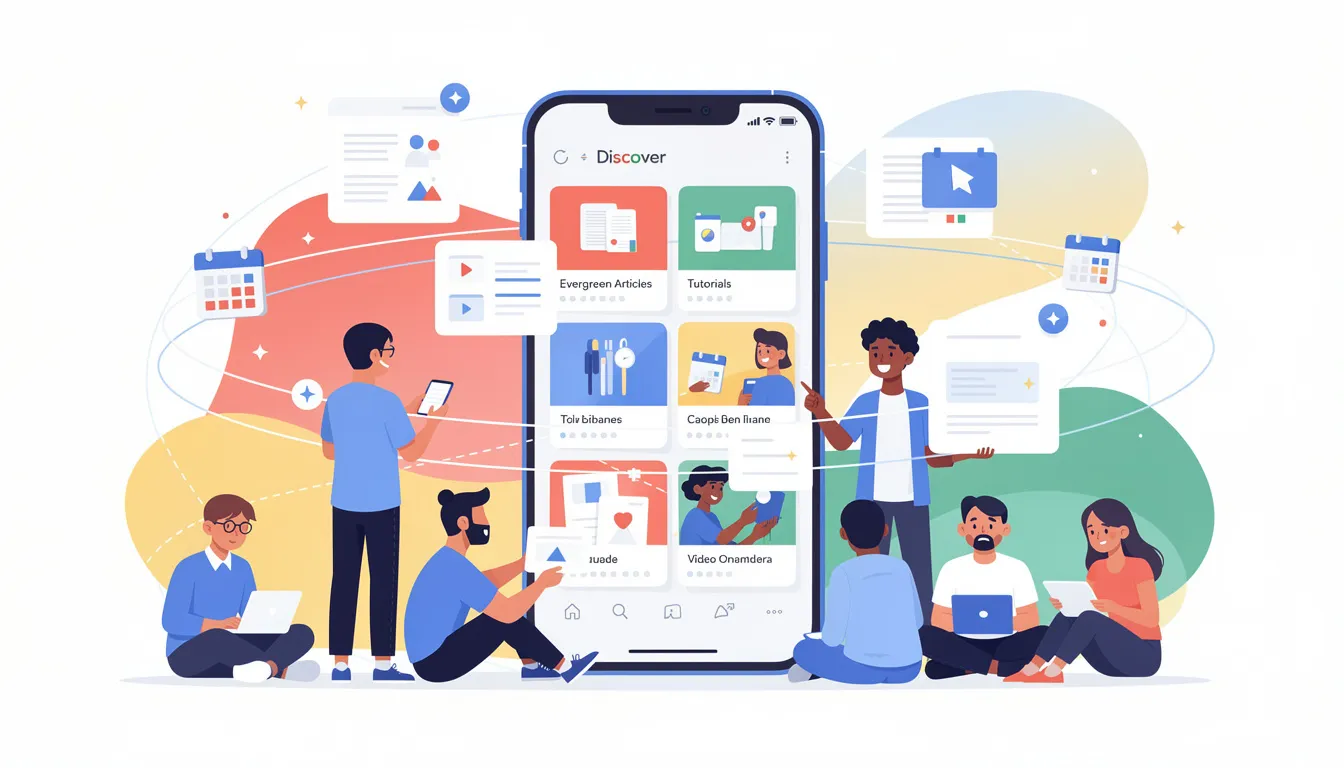
Google Discover is designed to show all types of helpful content from across the web, not just newly published content. This means that evergreen articles, tutorials, videos, and other valuable resources continue to appear in users’ feeds long after their initial publication date, as long as they remain relevant and engaging. This approach ensures that users receive a balanced mix of fresh updates and timeless information that suits their interests.
Personalization Factors
The personalization of Google Discover is highly sophisticated. It tailors content for each user based on a variety of data sources, including previous web activity, YouTube viewing history, and search queries. By analyzing these inputs, Google builds a detailed profile of user interests and preferences, enabling the feed to surface content that is both timely and personally relevant. This ongoing learning process is enhanced as users interact with the feed, providing feedback that refines the recommendations over time.
Location-Based Customization
Google Discover also incorporates location data and voluntary information provided by users to further customize the experience. For example, local news, events, or sports updates may be prioritized for users based on their geographic location. This combination of behavioral and contextual data allows Google Discover to deliver a uniquely relevant and engaging content stream.
Understanding Google Discover Optimization
Authority and E-A-T in Discover
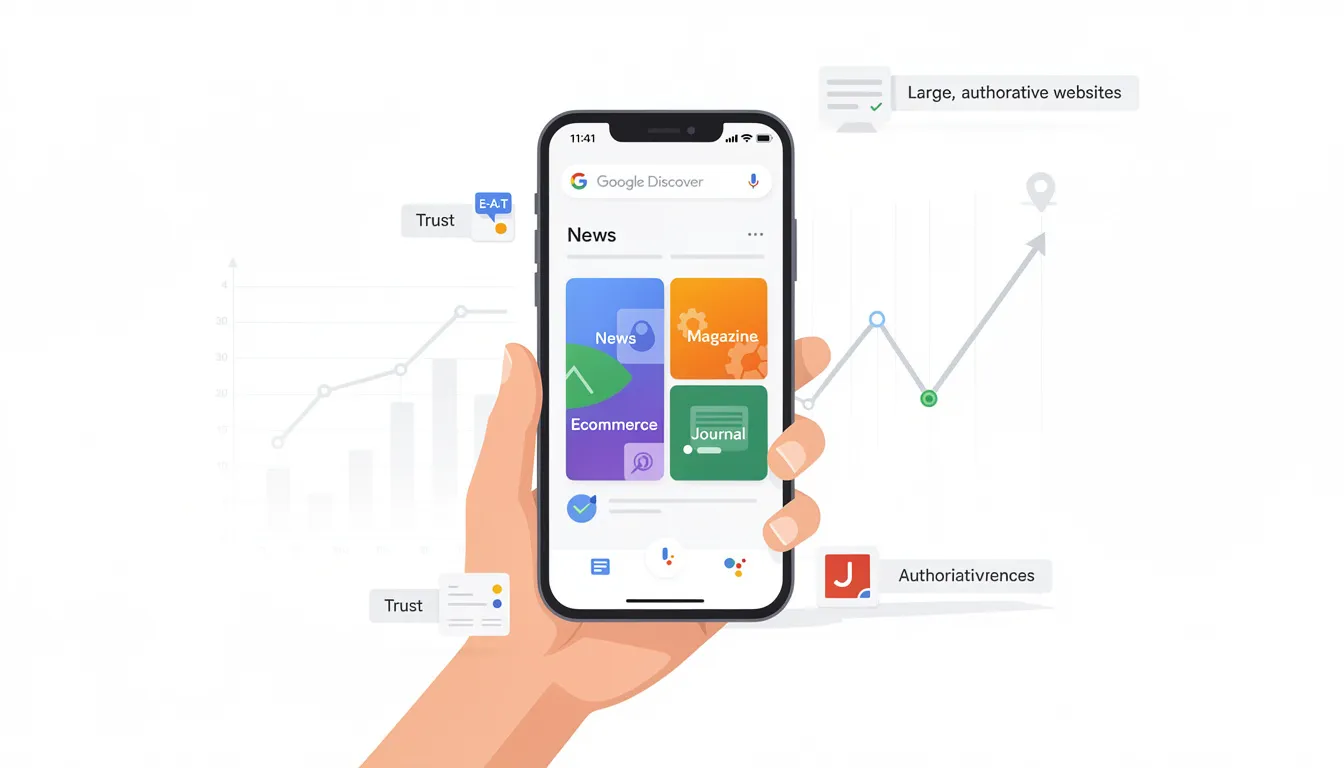
Google Discover favors large, authoritative websites with extensive content demonstrating expertise, authoritativeness, and trustworthiness (E-A-T). These often include news sites, magazines, ecommerce sites, and specialized journals, which are frequently featured in the feed. Optimizing your content for Google Discover can lead to significant traffic and engagement improvements, making it essential for businesses and content creators aiming to expand their reach.
Discover vs. Traditional Search
Unlike traditional Google Search, which requires users to manually enter search terms, Google Discover actively suggests content based on user interests. It surfaces content from a wide variety of websites, not limited to news outlets, emphasizing helpful and relevant content that aligns with user preferences. Google Discover and Google Search complement each other but serve different purposes in content discovery.
Competitor Analysis and Keyword Research
To optimize effectively, site owners should understand user behavior and preferences, performing competitor analysis to identify which keywords and content rank well for rivals. Keyword research is crucial to identify exact phrases customers use before making decisions, focusing on search intent to tailor content accordingly.
The Role of Generative SEO and Structured Data in 2026
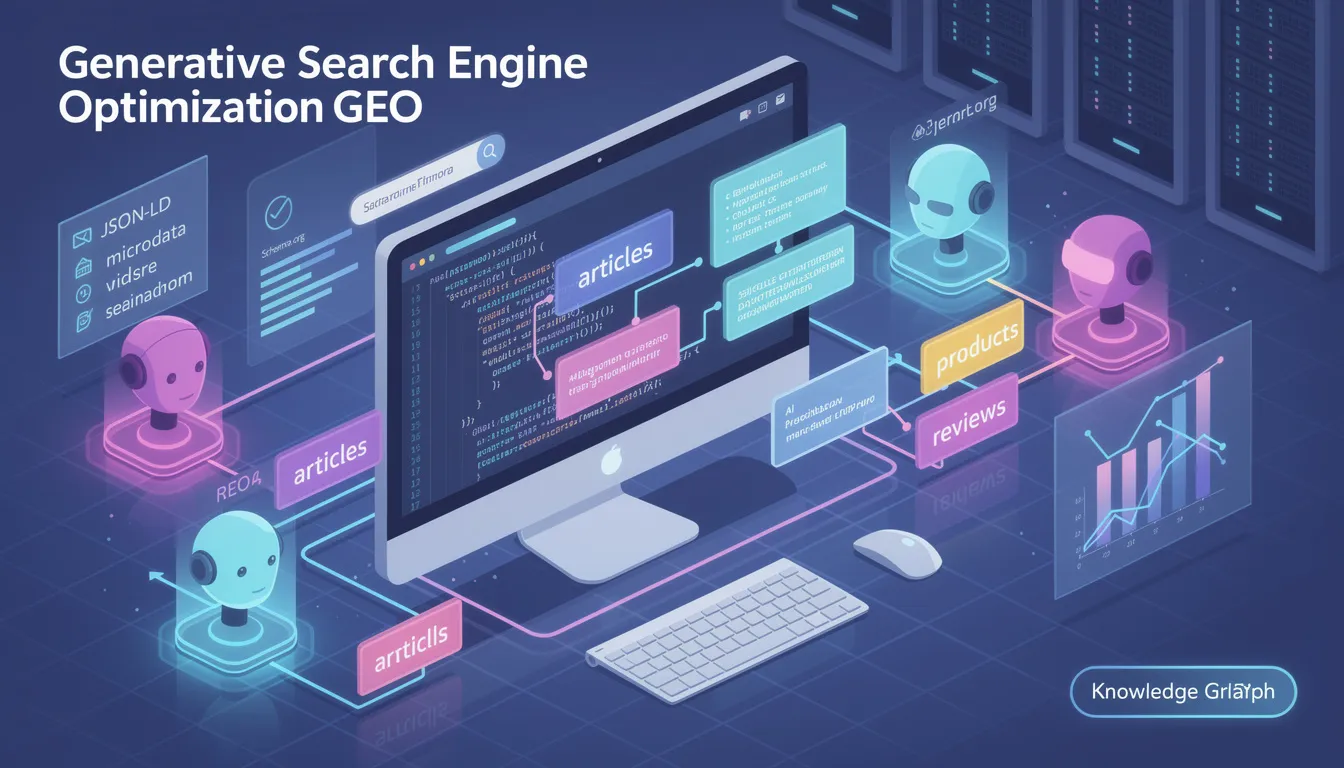
In 2026, modern SEO requires optimizing for Generative Search Engine Optimization (GEO), which leverages structured data to assist AI agents in understanding content more effectively. Structured data uses standardized formats like schema.org markup to provide search engines with detailed information about a page’s content, such as articles, products, events, and reviews.
By implementing structured data, content creators can help AI-driven systems like Google Discover better interpret the context and relevance of their content, increasing the chances of being featured in personalized feeds. This approach aligns with the broader trend of AI integration in search, where understanding user intent and content semantics is paramount.
How Google Discover Works
AI-Driven Personalization
Google Discover uses advanced automated systems and AI-driven algorithms, similar to platforms like TikTok, to match user interests with relevant content. The feed adapts dynamically based on ongoing user activity and feedback, allowing users to personalize their experience by managing interests, blocking unwanted sources, and providing direct feedback on stories.
Content Types and Quality
This personalized feed includes a broad spectrum of content types, from news and articles to videos and tutorials, all curated to be helpful and engaging. Google Discover's focus on showing helpful content means it values content quality and relevance over recency alone, allowing evergreen content to appear alongside fresh updates.
Creating Discover-Friendly Content
To maximize visibility in Google Discover, content creators should focus on the following checklist:
-
Use large, high-quality images with dimensions of at least 1,200 pixels, and enable the max-image-preview:large robots meta tag or AMP to ensure images display properly in Discover cards.
-
Craft modern, unique content that tells an interesting story while avoiding misleading previews, clickbait, provocation, or exploiting morbid curiosity.
-
Write clear, relevant headlines and representative page titles that accurately reflect the content.
-
Include transparent author and source information to build trust, and optimize images with SEO-friendly alt text and relevant file names. Note that site logos are not used in Discover cards.
-
Ensure proper technical implementation by adding the max-image-preview:large setting in the website’s head section to inform Google bots of the preferred image preview size.
-
Implement structured data to assist AI agents in understanding your content, aligning with modern Generative Search Engine Optimization (GEO) practices.
-
Develop topic clusters by interlinking related content to demonstrate authority on subjects and improve overall SEO.
Keyword Research and User Intent
Keyword research plays a vital role in Discover SEO by identifying the exact phrases and queries customers use before making purchasing decisions or seeking information. Understanding search intent helps content creators tailor their material to meet users' needs more precisely, increasing the likelihood of appearing in Discover feeds.
By analyzing competitor keywords and search trends, site owners can generate ideas and examples of relevant topics that resonate with their target audience. This strategic approach ensures that content is not only discoverable but also aligns with what users are actively interested in.
Measuring Success with Google Search Console and Monitoring Tools
Google Search Console (GSC) is the primary tool used to monitor indexing, errors, search queries, and specifically Google Discover traffic. Performance reports for Discover become available once a website achieves a minimum threshold of Discover impressions over the past 16 months. These reports provide valuable metrics such as impressions, clicks, and click-through rate (CTR), offering insights into how users interact with Discover content.
While Google Discover traffic appears as Direct Traffic in Google Analytics, GSC provides more detailed and accurate data specific to Discover performance. Site owners should regularly use these tools to track progress, identify issues, and refine their SEO strategies.
Conclusion and Next Steps
Mastering Discover SEO requires a comprehensive approach that includes understanding user behavior, optimizing content with a focus on expertise and authority, and tracking performance using tools like Google Search Console. Effective SEO in 2026 is built on four primary categories: Technical SEO, On-Page SEO, Content & Authority, and Off-Page SEO.
-
Technical SEO covers optimizing your site’s infrastructure and accessibility for search engines, including aspects like Core Web Vitals and loading speed.
-
On-Page SEO focuses on high-quality content, relevant keywords, and metadata to ensure each page is optimized for both users and search engines.
-
Content & Authority involves creating unique, helpful content and establishing transparent sourcing to build trust and demonstrate expertise.
-
Off-Page SEO is about building your website’s reputation through high-quality backlinks from relevant and authoritative sites.
Regularly updating content and fixing broken links is essential to maintain SEO effectiveness. Learning SEO involves mastering foundational principles while adapting to an AI-driven search environment. Resources like Google Search Central and the Ahrefs Academy offer free foundational courses to help you stay current.
By continuously monitoring your Discover SEO strategy, performing competitor analysis, and applying best practices, businesses and content creators can boost their content visibility, drive more targeted traffic, and stay ahead of the competition in the evolving digital landscape.
Frequently Asked Questions (FAQs) about Google Discover SEO
What is Google Discover, and how is it different from Google Search?
Google Discover is a personalized content feed that delivers articles, videos, and stories based on your interests and previous activity, without requiring you to enter search queries. Unlike Google Search, which depends on manual input through the search bar, Discover proactively suggests content it thinks you will find helpful and relevant, making content discovery easier and more intuitive.
How can I customize my Google Discover feed?
To personalize your Discover feed:
-
Open the Google app.
-
Tap on your profile or settings.
-
Navigate to the interests section.
-
Add topics you want to see more of.
-
Tap on stories to mark them as “not interested” to improve relevance.
-
Enable or disable personal results to control how much your app activity and browsing history influence your feed.
What types of content perform best on Google Discover?
-
Google Discover favors content that is helpful, relevant, and visually engaging.
-
Large images (at least 1,200 pixels wide) are essential to capture attention.
-
Content from authoritative sources like news sites, magazines, and specialized journals tends to perform well.
-
Evergreen content that remains useful over time, as well as timely articles, can both appear in Discover.
How do I optimize my content for Google Discover?
To optimize for Discover SEO:
-
Create high-quality, original content with clear, relevant headlines and representative page titles.
-
Use large, SEO-friendly images and enable the max-image-preview:large robots meta tag to ensure images display properly.
-
Include transparent author and source information to build trust.
-
Implement structured data and develop topic clusters to demonstrate expertise and authority.
How can I track the performance of my content in Google Discover?
-
Use Google Search Console to monitor your Google Discover traffic.
-
Once your site reaches a minimum number of Discover impressions, access performance reports that show impressions, clicks, and click-through rates (CTR).
-
Google Analytics shows Discover traffic as Direct Traffic, but Search Console provides more detailed insights specific to Discover.
Can I turn off personalized content in Google Discover?
Yes, if you prefer not to receive personalized stories:
-
Go to the Google app settings.
-
Disable personal results.
-
This stops Google from using your app activity, browsing history, and other personal data to tailor your feed, resulting in a more generic content stream.
Does Google Discover show content from all websites?
-
Google Discover primarily features content from large, authoritative websites that demonstrate expertise, authoritativeness, and trustworthiness (E-A-T).
-
While it can surface content from various sources, it tends to favor news sites, magazines, ecommerce platforms, and specialized journals with high-quality content.
How often does Google Discover update its content?
-
Google Discover automatically refreshes its feed as new content is published, ensuring users receive timely and relevant updates.
-
It also displays evergreen content that remains helpful over time, balancing freshness with lasting value.
What role do images play in Google Discover?
-
Images are crucial in Google Discover since they take up significant space on content cards and attract user attention.
-
Using large images (at least 1,200 pixels wide) with descriptive alt text and relevant file names improves the chances of your content being featured.
-
Enabling the max-image-preview:large setting in your site's code helps Google display images properly.
How does Google Discover use my data to personalize content?
-
Google Discover uses information from your device, Google Account, browsing history, search queries, YouTube activity, location, and app activity to tailor your feed.
-
This data helps the algorithm understand your interests and deliver content that matches them, improving your overall experience.
Is Google Discover available on all devices?
-
Google Discover is available on Android phones and tablets, accessible by swiping right on the home screen or through the Google app.
-
It is also available on iOS devices via the Google app.
-
Availability may vary depending on your device, country, and Google account settings.
Can Google Discover help increase my website traffic?
-
Yes, optimizing your content for Google Discover can significantly boost your visibility and drive targeted traffic.
-
Many sites experience increased clicks and impressions after their content appears in Discover.
-
Using Google Search Console to monitor performance and continuously refining your strategy helps maximize these benefits.
What are some common pitfalls to avoid in Discover SEO?
-
Avoid misleading headlines, clickbait, provocation, and exploiting morbid curiosity, as Google penalizes such tactics.
-
Ensure all author and source information is accurate and transparent.
-
Do not neglect image quality or technical settings like max-image-preview, as these impact your content’s eligibility for Discover.
How does Google Discover relate to Google Assistant?
-
Google Discover complements Google Assistant by providing a personalized feed of content that aligns with your interests and previous activity.
-
While Google Assistant offers direct answers and helps with tasks, Discover focuses on content discovery and engagement through curated stories and articles.
What is the importance of the max-image-preview setting?
-
The max-image-preview:large setting in your website’s code tells Google bots the maximum size at which images can be displayed in search results and Discover cards.
-
Enabling this setting ensures that your large images appear prominently, improving user engagement and content visibility.
How can I improve my Discover SEO strategy over time?
-
Regularly update your content and fix broken links.
-
Perform competitor analysis.
-
Use Google Search Console to track your Discover impressions and clicks.
-
Continuously refine your keyword research and content topics based on user interests and feedback.
-
Stay informed about SEO best practices and adapt to AI-driven search trends to keep your strategy effective.

0 comments