

Introduction to Google Maps Optimization and Local Search
Local search results are crucial for businesses aiming to attract new customers and increase visibility on platforms like Google Maps. With nearly 90% of consumers using Google Maps to find businesses, optimizing your business listing for local search results can significantly improve your ranking and drive more customers to your store. Understanding how Google Maps works and how to optimize your listing is essential for local business success. Local search ranking factors include relevance, distance, and popularity, which help Google match businesses with customers’ relevant searches.
Anyone in the world can add a business to Google Maps, making it a globally accessible platform for business owners to reach new customers.
Google Maps optimization is the process of using Google Maps’ functionality to make your business easier to find. To improve your rankings, it is important to target local keywords and ensure your business information is geographically relevant. Claiming or adding your business listing on Google Maps matters because it increases your local SEO visibility and gives you control over your business information. The more detailed and complete your business listing is, the higher it will rank on Google Maps, increasing your visibility to potential customers. For example, North Shore Wellness Center includes detailed business hours, services, and consistent NAP information across all platforms.
As a note, keeping your business information consistent across all platforms is essential for the best results in Google Maps optimization.
Setting Up Your Business Listing for Google Maps Optimization
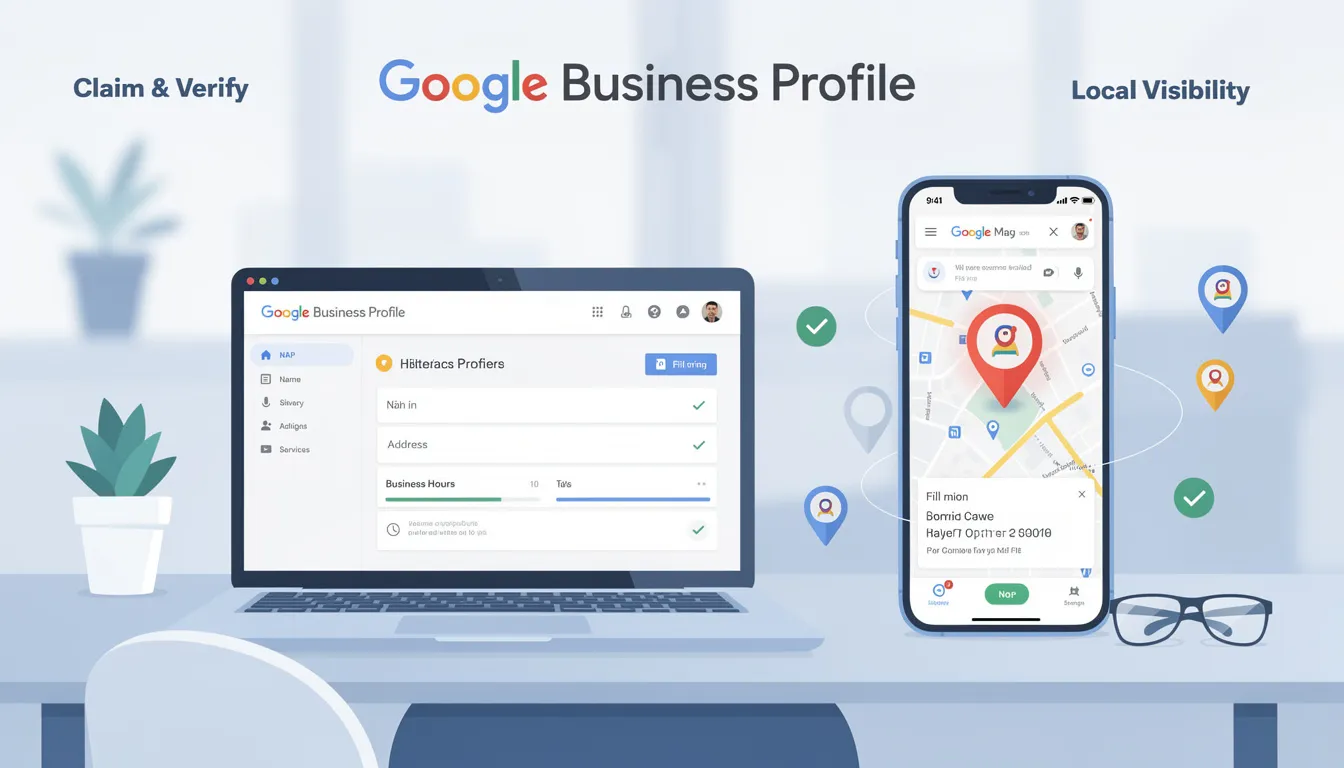
The first step to optimizing your local search presence is claiming and verifying your Google Maps business listing. Creating a Google Business Profile (GBP) account is necessary to claim and manage your listing effectively. Be sure to fully complete your GBP with accurate Name, Address, and Phone number (NAP), business hours, and services offered to enhance visibility.
Maintaining identical NAP details across your website and all online directories builds trust with Google and improves your rankings. For mobile businesses without a storefront, define specific service areas by city or zip code to help Google accurately represent your coverage.
Managing Your Business Information for Better Google Maps Ranking
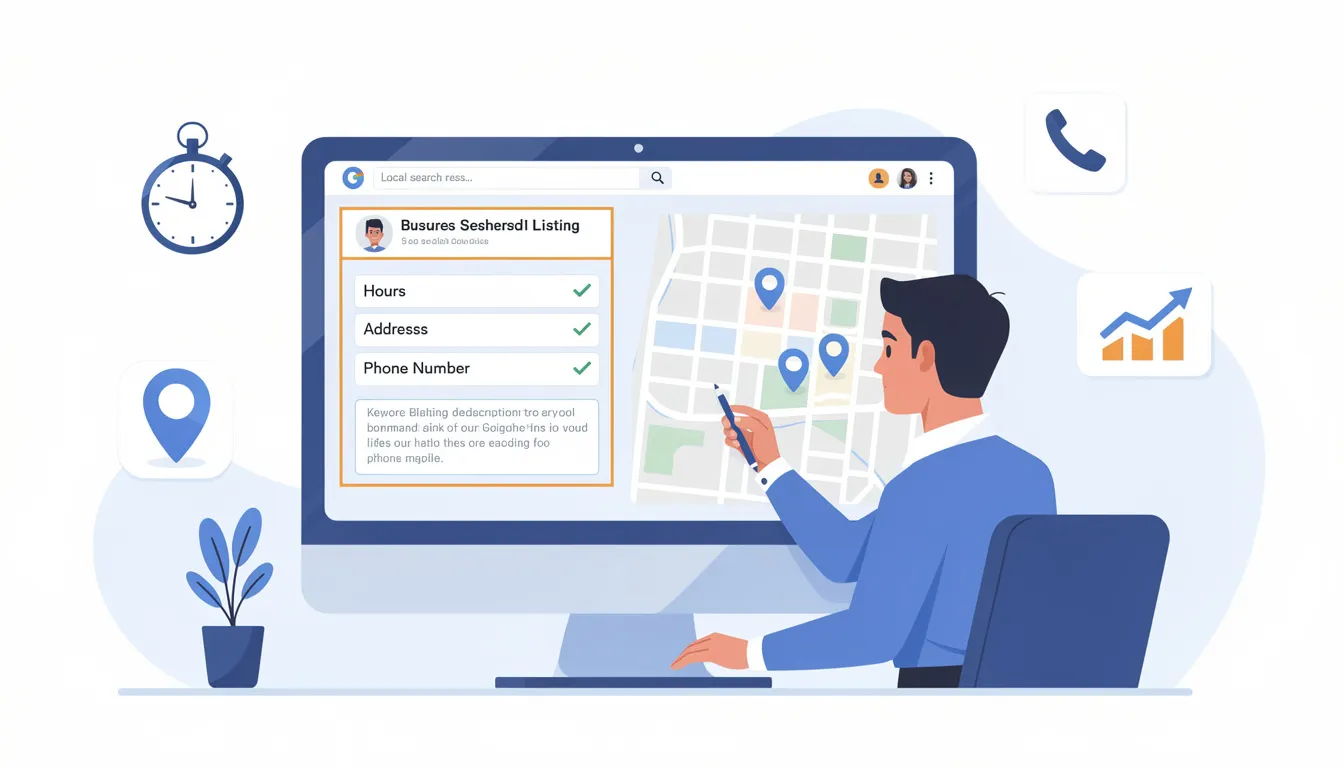
Keeping your business information up to date is critical for maintaining a strong local search presence. Regularly update your hours, address, and contact information to prevent errors and improve customer trust. Use a compelling, keyword-rich description in your GBP to highlight your unique selling points and attract more clicks.
Implement Local Business schema markup on your website to help search engines better understand your business details, further enhancing your local SEO efforts. Additionally, ensure your website loads quickly, especially on mobile devices, as a fast-loading site can positively impact your Google Maps ranking.
Conducting thorough research to understand customer behavior and market trends is also essential, as these insights can inform your local SEO and Google Maps optimization strategies.
How to Add Photos and Enhance Your Google Maps Business Listing

Adding high-quality, professional photos and videos to your listing greatly enhances its visibility and appeal to potential customers. Google loves it when businesses add photos, as listings with images are more engaging and tend to rank higher.
You can use the drag-and-drop feature to rearrange the order of photos in your Google Maps listing, allowing you to drop images into the optimal sequence for maximum impact.
Encourage customers to leave more reviews and respond promptly to all feedback, demonstrating active engagement and good customer service. Engagement signals to Google that your business is active and trustworthy, which can boost your Google Maps ranking.
Use the Google Maps app to manage your listing and respond to customers efficiently. Consistently posting updates, photos, and managing customer reviews can significantly improve your Google Maps performance.
Route Optimization and Planning Multi Stop Routes with Google Maps
Google Maps is excellent for finding the best route between two points and is user-friendly for all technical skill levels. It provides turn-by-turn directions and live traffic updates to help users navigate efficiently. While it helps optimize routes for multiple stops, Google Maps is not designed to solve complex multi-stop route planning problems.
You can optimize routes with up to 10 stops directly in Google Maps by manually rearranging the stops. For routes with up to 25 stops, Google Maps allows a workaround to create such routes, though it requires some manual effort. Professional drivers, such as delivery drivers and couriers, often face challenges when planning routes with multiple destinations, as managing numerous stops can be complicated and time-consuming.
Google Maps does not have a built-in feature for automatic route optimization; users must manually arrange stops to try to find the most efficient order.
Delivery businesses often face challenges related to driver locations, fleet management, and delivery operations as their routes grow in complexity. Many turn to dedicated route optimization software, which can reduce driving time by up to 40% and cut route planning time by up to 95% compared to manual methods. These tools can also help reduce operational costs, such as fuel and wages, though businesses should consider the costs associated with implementing advanced route planning solutions.
Using custom maps and APIs available through the Google Maps Platform can further help businesses create efficient routes and improve their delivery services.
Leveraging the Google Maps App and Google Maps Platform for Business Growth
The Google Maps app is a powerful tool for businesses to manage their local search presence. Use Google Posts to share updates, offers, and announcements at least once or twice a week to keep your audience engaged and signal activity to Google.
Embedding a Google Map on your website’s contact page confirms your location to Google, reinforcing your business’s local presence. Additionally, use UTM parameters on website URLs within your GBP to track conversions from Google Maps analytics, helping you measure the effectiveness of your optimization efforts.
Local Search Ranking Factors for Google Maps Optimization
When it comes to standing out in Google Maps and attracting more potential customers, understanding the local search ranking factors is essential. Google uses a combination of signals to determine which businesses appear at the top of local search results, especially when users are searching for services or products near them. Optimizing for these factors can make a significant difference in how your business is displayed on Google Maps, whether you have a single location or manage multiple locations across different cities.
Here are the key local search ranking factors to focus on for effective Google Maps optimization:
-
Relevance: Google matches your business to relevant searches based on the information you provide. Make sure your business category, description, and services are accurate and detailed so your business appears for the right search queries.
-
Proximity: The distance between your business location and the user’s search location is a major factor. For businesses with multiple locations, ensure each address is correctly listed and optimized to appear in local searches for that specific area.
-
Prominence: This refers to how well-known your business is, both online and offline. Google considers factors like the number of reviews, overall rating, and how often your business is mentioned across the web. Building a strong online presence and encouraging more reviews can boost your prominence in local search results.
-
Business Information Completeness: The more complete and detailed your Google Business Profile is, the better. Include all relevant business information, such as hours, website, phone number, and services, to help Google and customers find and trust your business.
-
User Engagement: Google tracks how users interact with your business on Google Maps, such as clicks, calls, requests for directions, and website visits. High engagement signals to Google that your business is relevant and valuable to customers.
-
Consistency Across Multiple Locations: For businesses with multiple locations, it’s important to optimize each listing individually. Ensure that each location’s details are accurate and consistent, and tailor descriptions to reflect the unique aspects of each branch.
By focusing on these local search ranking factors, you can optimize your business for better visibility on Google Maps, attract more customers, and ensure your business stands out in local search results. Regularly review and update your business information to stay ahead of the competition and make it easy for customers to find and choose your business on Google Maps.
Building Local Presence and Measuring Success with Google Maps Optimization
Building local backlinks by partnering with local businesses and organizations strengthens your local online presence and can improve your Google Maps ranking. Regularly check Google Business Profile Insights to understand customer interactions and refine your strategy accordingly.
Measuring success involves tracking metrics like website traffic, phone calls, and directions requests. Using resources such as Google Analytics alongside Google Maps data provides valuable insights into customer behavior and preferences.
For best results, consider these practical tips: keep your business information updated, encourage customers to leave reviews, and use high-quality photos to enhance your listing.
Common Mistakes to Avoid in Google Maps Optimization
Avoid inconsistent business information across platforms, poor review management, and failing to claim and verify your Google Maps listing. Not optimizing your website for mobile devices or having broken links can also hurt your local search presence.
Conclusion and Next Steps for Effective Google Maps Optimization
Optimizing your local search presence through Google Maps SEO is critical for attracting new customers and driving more sales. By claiming and completing your Google Business Profile, managing your business information, leveraging the Google Maps app, and using route optimization tools when necessary, you can improve your local search ranking and operational efficiency.
Consistently engaging with customers through reviews and posts, maintaining accurate information, and using analytics to track progress will help you stay ahead of the competition and grow your business successfully. Taking these next steps will ensure your business is easy to find and appealing to customers in your local area.
If you’re ready to take your Google Maps optimization to the next level and maximize your local business growth, Sterling Media & Communications is here to help. With expert strategies tailored to your unique needs, SMC offers comprehensive services to enhance your online visibility, manage your Google Business Profile, and optimize your local search presence effectively. Visit smcww.co.uk today to learn more and start boosting your business’s success with professional Google Maps optimization support.
Frequently Asked Questions (FAQs) About Google Maps Optimization
What is Google Maps optimization and why is it important?
Google Maps optimization involves enhancing your business listing and online presence to improve your visibility in local search results on Google Maps. It is important because nearly 90% of consumers use Google Maps to find businesses, and a well-optimized listing helps attract new customers, increase foot traffic, and boost sales.
How can I optimize my Google Maps business listing?
Start by claiming and verifying your Google Business Profile. Ensure your business information is complete and accurate, including your Name, Address, Phone number (NAP), hours, and services. Add high-quality photos and encourage customers to leave positive reviews. Regularly post updates and respond to reviews to show engagement.
Can Google Maps help with route optimization for multiple stops?
Google Maps can optimize routes with up to 10 stops by allowing you to manually rearrange stops for the most efficient route. For routes with up to 25 stops, there are workarounds, but planning beyond that becomes complex. For larger or more complex routes, consider dedicated route optimization software to save time and reduce driving costs.
How do reviews affect my Google Maps ranking?
Positive reviews and frequent customer engagement signal to Google that your business is trustworthy and active, which can improve your ranking. Responding to reviews, both positive and negative, shows that you value customer feedback and helps attract more customers.
What role does my website play in Google Maps optimization?
Your website supports your Google Maps ranking by reinforcing your business’s location and relevance. Ensure your website is mobile-friendly, contains accurate NAP details consistent with your Google Business Profile, and includes local keywords. Embedding a Google Map on your contact page also helps confirm your location to Google.
How often should I update my Google Business Profile?
Regular updates are essential. Keep your business hours, contact information, and services current. Posting updates, offers, and announcements at least once or twice a week signals to Google that your business is active, which can positively impact your ranking.
Can I manage multiple locations in Google Maps?
Yes, Google Business Profile allows you to manage multiple locations within one account. Ensure each location has accurate and consistent information. Using the Google Maps Platform and custom maps can help you efficiently manage and optimize routes and listings for multiple locations.
Are there any free tools to help with Google Maps optimization?
Yes, claiming and managing your Google Business Profile is free. Google Maps itself offers features for route planning and posting updates. Additionally, there are free route planning tools and spreadsheet templates available to help optimize multi-stop routes.
How do I track the effectiveness of my Google Maps optimization efforts?
Use Google Business Profile Insights to monitor customer interactions such as searches, calls, and direction requests. Combine this with Google Analytics data on website traffic from Google Maps links using UTM parameters to measure conversions and refine your strategy.
What are common mistakes to avoid in Google Maps optimization?
Avoid inconsistent business information across platforms, neglecting customer reviews, and failing to claim and verify your listing. Also, ensure your website is mobile-friendly with no broken links, as poor user experience can negatively affect your local search ranking.

0 comments