

Introduction to Google Page Experience and Its Impact on Google Search
Google Page Experience is a set of ranking signals that measure how users perceive the experience of interacting with a web page. These signals include critical factors such as loading speed, mobile usability, HTTPS security, and the presence or absence of intrusive interstitials. The Google Page Experience update focuses on five key experience signals that directly influence SEO rankings, emphasizing the importance of delivering a user-friendly, fast, and secure website.
This update marks a pivotal change in Google’s search algorithms and ranking systems, prioritizing user experience factors like page load time, page responsiveness, and visual stability. Optimizing your Google Page Experience can significantly improve your rankings, increase dwell time, and enhance user engagement on your site.
Originally designed as a mobile-only initiative, Google Page Experience now evaluates both desktop and mobile web pages alike, leveraging real user data and lab data. Understanding and optimizing for these experience signals is crucial for website owners aiming to maximize their success in Google Search results.
Understanding Experience Signals: The Foundation of Google Page Experience
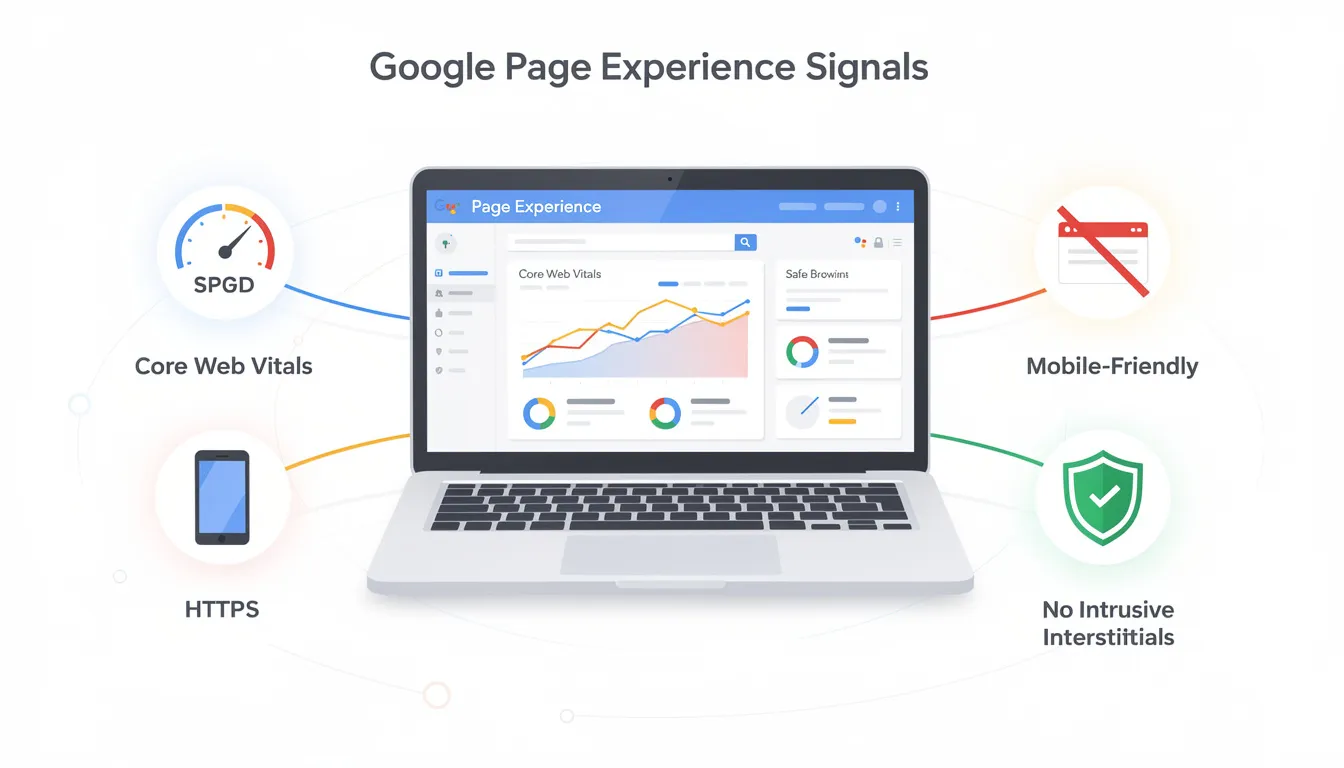
Google’s experience signals form the foundation of the Page Experience update. These signals include Core Web Vitals, mobile-friendliness, HTTPS usage, intrusive interstitials, and safe browsing. Together, they provide a comprehensive framework for evaluating how users perceive a web page’s quality and usability.
Site owners should self-evaluate their pages using Google’s recommended questions on these experience signals. Optimizing these signals directly boosts your web page’s ranking in Google Search results and helps pages avoid penalties that could harm visibility.
The Critical Role of Core Web Vitals in Google Page Experience
Core Web Vitals are a set of essential performance metrics introduced by Google in 2021 to assess real-world user experience on web pages. They focus on three main aspects: loading speed, interactivity, and visual stability. The primary Core Web Vitals metrics are:
-
Largest Contentful Paint (LCP): Measures loading performance.
-
Interaction to Next Paint (INP): Assesses page responsiveness and input delay.
-
Cumulative Layout Shift (CLS): Evaluates visual stability by measuring unexpected layout shifts.
Optimizing Core Web Vitals not only improves your Google Search results but also enhances user engagement on your site. These metrics are reported in the Core Web Vitals report within Google Search Console, which uses field data collected from users’ browsers to provide accurate, real-world insights.
Measuring Page Experience with Google Search Console and Experience Report Tools
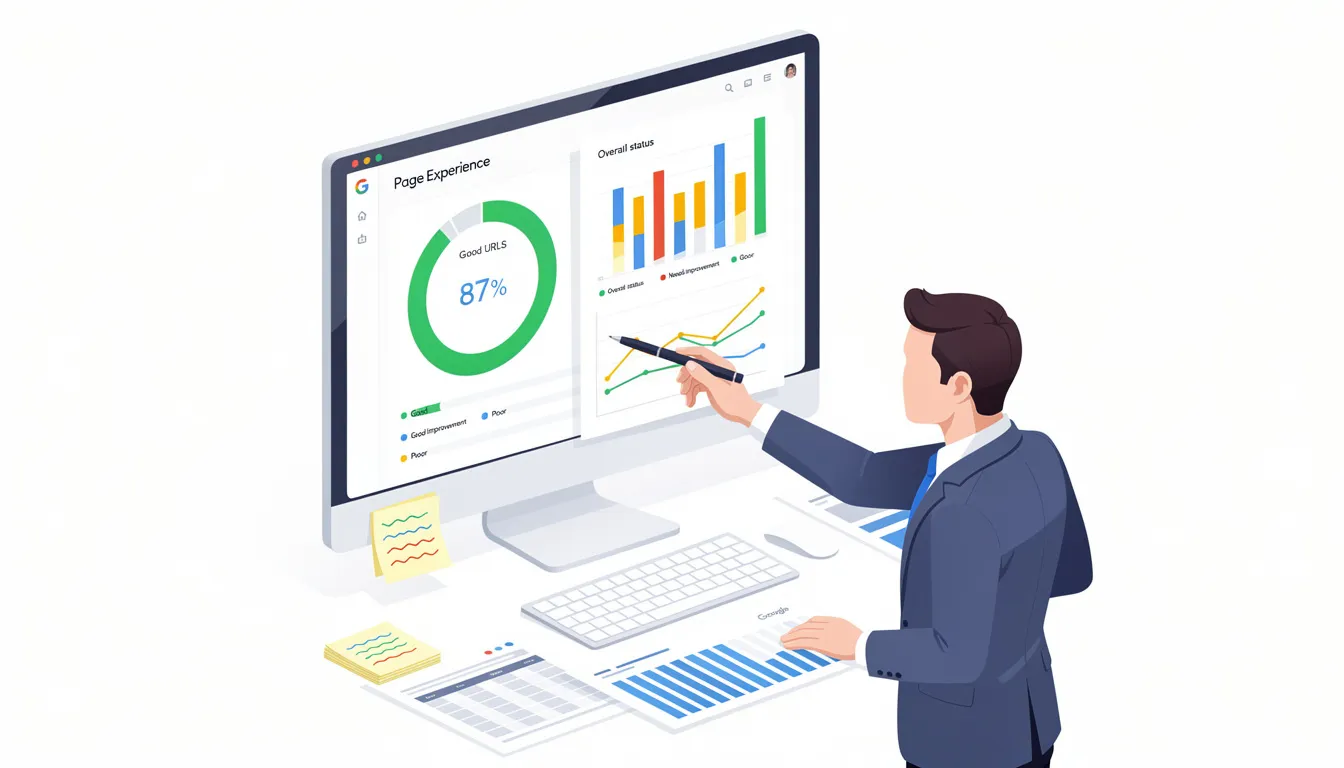
Google’s Page Experience report in Google Search Console is a vital tool that provides detailed insights into how well a site performs against the new ranking signals. This report shows your site’s overall status and the percentage of URLs with a good page experience score.
Monitoring Core Web Vitals—LCP, INP, and CLS—is crucial for assessing page loading, interactivity, and visual stability. Additionally, user-centric metrics like mobile-friendliness, HTTPS security, and the absence of intrusive interstitials contribute to a comprehensive understanding of your site’s experience score.
Using multiple tools such as Google Search Console and PageSpeed Insights helps site owners measure and improve their site’s user experience and SEO performance. These tools combine both lab data and real user data, offering a holistic view that helps maintain and enhance your page experience over time.
Optimizing for Google Page Experience: Best Practices to Improve Your Experience Score
Achieving a “Good” page experience status involves identifying and improving weak areas in the four main experience signals. Site owners should use targeted optimization techniques tailored to their specific challenges.
Improving Loading Speed
-
Leverage browser caching to reduce load times.
-
Use asynchronous loading for scripts and resources.
-
Minimize HTTP requests to streamline page delivery.
Enhancing Mobile Usability
-
Implement responsive design for seamless viewing on all devices.
-
Ensure content is easily readable on smaller screens.
-
Optimize navigation for touch interactions.
Implementing HTTPS
-
Secure your website with HTTPS to guarantee safe browsing.
-
Protect users from malicious actors and ensure secure content delivery.
-
Build trust and improve security rankings in Google Search.
Minimizing Intrusive Interstitials
-
Avoid overlays and pop-ups that disrupt the user journey.
-
Ensure that any interstitials used are non-intrusive and do not block essential content.
Additional Key Strategies:
-
Include descriptive image alt text to improve accessibility and content display, benefiting both users and search engines.
-
Continuously monitor and make iterative adjustments based on Google Search Console’s experience report to maintain high page experience scores and improve rankings in Google Search results.
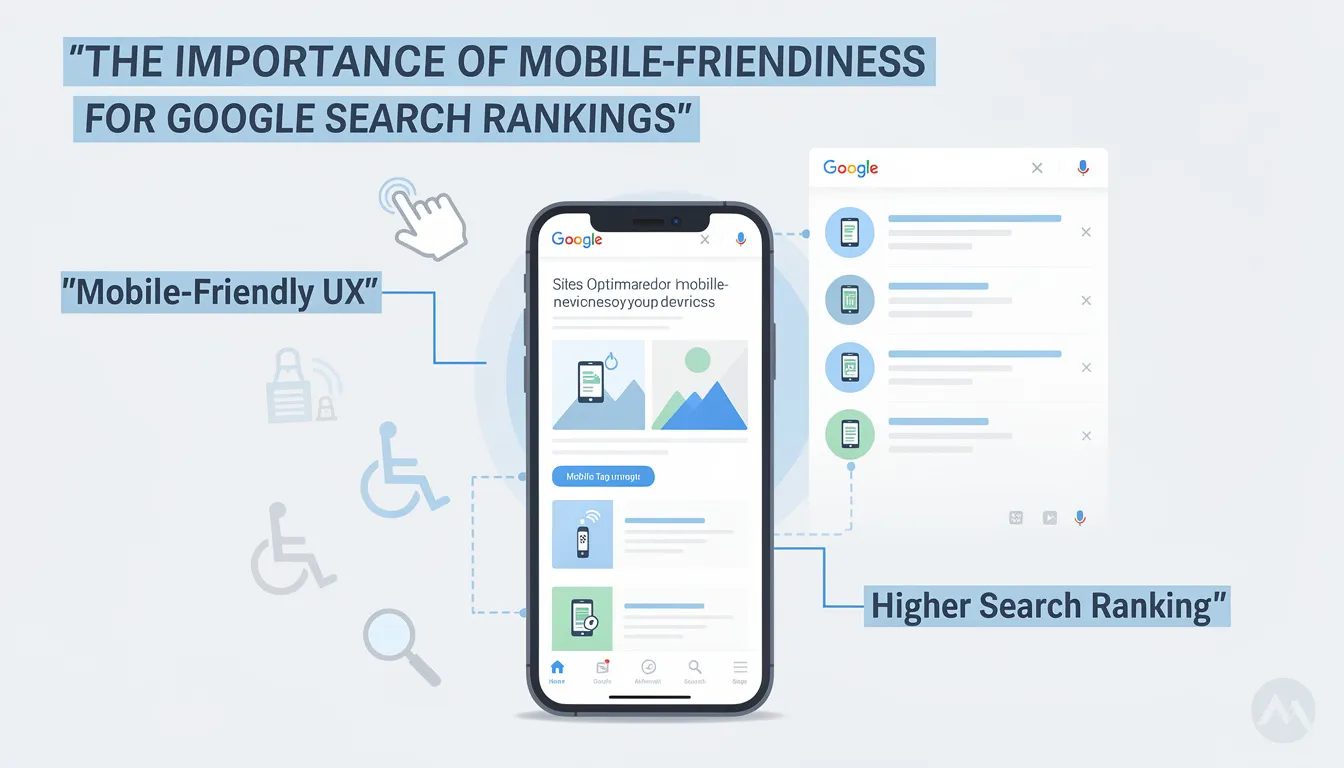
The Importance of Mobile-Friendliness for Google Search Rankings
Mobile-friendliness is a key experience signal that measures how well a site performs on mobile devices in terms of usability and accessibility. It plays a critical role in determining how pages are ranked in Google’s mobile search results.
Responsive Mobile Design
-
Use responsive layouts that adapt to various screen sizes.
-
Ensure navigation is simple and intuitive on mobile devices.
Readable Content and Accessibility
-
Present content in a readable format for smaller screens.
-
Support screen readers and assistive technologies for an inclusive experience.
With over 45% of global shoppers using mobile devices daily, optimizing for mobile is vital for SEO success and conversion rates. Mobile-friendly design also supports screen readers and other assistive technologies, ensuring an inclusive experience for all users.
Ensuring Safe Browsing and HTTPS Usage for a Secure Google Page Experience
HTTPS usage ensures encrypted, secure connections between users and your website, playing a critical role in Google’s page experience signals. It enhances trustworthiness and security rankings, which are increasingly important for user confidence and search visibility.
Implementing HTTPS
-
Use SSL certificates to secure your website.
-
Regularly update and maintain your security protocols.
Building Trust and Security
-
Protect sensitive user data from potential threats.
-
Build visitor confidence by displaying security indicators.
Implementing HTTPS improves user experience by protecting sensitive data and building visitor confidence. Google favors HTTPS-enabled sites in its ranking algorithms, making it essential for site owners to prioritize HTTPS usage to ensure safe browsing and secure content delivery.
Creating Helpful Content to Complement Your Page Experience
Helpful content usually offers a good page experience, and Google has integrated page experience guidance into its helpful content resources. This highlights the strong connection between user experience and content helpfulness.
Improving page experience supports content helpfulness and ranking, as reflected in Google’s updated help pages. While page experience is important, relevant and useful content remains critical for SEO success and positive user engagement.
Deep Dive into Google Search Console’s Experience Report
Google Search Console’s Experience report provides site owners with detailed insights into their page experience performance. It shows the overall status of the site and the percentage of URLs with a good page experience score.
Site owners can drill down into each experience signal’s specific report for detailed insights and actionable improvement tips. The Experience report is an essential tool for understanding your site’s page experience and making data-driven enhancements.
Preparing for the Google Page Experience Update: What Site Owners Need to Know
The Google Page Experience update introduces new SEO ranking signals that site owners must optimize for to remain competitive. Optimizing your site for these experience signals boosts your chances of ranking higher in Google Search results.
Many sites will experience ranking shifts; therefore, aiming for your site to move up or at least stay neutral with this Google ranking factor is essential. Preparing involves improving your page experience across all key signals.
Timing and Tools for Monitoring Your Google Page Experience
Google provides several tools and reports, including Google Search Console and PageSpeed Insights, to assess your site’s Page Experience scores. Regular use of these resources helps monitor and improve your site’s performance against the new experience update.
Consistent monitoring ensures your site meets Google’s page experience standards and maintains competitive rankings in Google Search results.
Evaluating Page Experience with Experience Score Metrics
Page Experience is assessed on a per individual URL basis and reported in Google Search Console using specific criteria. URLs that lack Core Web Vitals data will not appear in the Page Experience report.
HTTP URLs are automatically flagged as failing, so site owners should use HTTPS URLs or domain properties for accurate reporting. Only properly indexed URLs appearing in Google Search results are included in the experience report.
Evaluating your site’s page experience using the experience score is key to maintaining and improving SEO performance.
Iterative Enhancements: Continuous Improvement for Better Google Search Rankings
Google rewards websites that deliver a fast, user-friendly, and informative web experience. Iterative enhancements aligned with Google’s user experience principles help improve SEO performance over time.
Focusing on user-friendly design and ongoing optimization reflects Google’s commitment to a better web ecosystem and is key to thriving in the evolving search landscape.
Best Practices for Google Page Experience: Tips to Stay Ahead
Prioritize page experience metrics today to build a strong foundation for future SEO success. Search algorithms and user expectations will continue evolving around page experience signals.
Site owners should stay updated with Google’s experience update and follow best practices to ensure long-term visibility and success in Google Search results.
Common Mistakes to Avoid in Google Page Experience Optimization
Avoid intrusive overlays and interstitials that block content and harm user experience, as these contribute negatively to SEO and user satisfaction.
Do not neglect mobile-friendliness, HTTPS usage, or Core Web Vitals optimization. Failing in any of these areas can significantly impact your page experience score and search rankings.
Site owners should be aware of these common pitfalls to maintain a positive page experience.
Leveraging Google Business Profiles in 2026 to Complement Google Page Experience
As of 2026, Google Business Profiles have evolved into powerful "answer engines" driven by AI, generating answers to common customer questions directly from profile data. These profiles serve as essential digital storefronts representing businesses within Google Search and Maps.
Businesses benefit from direct conversions through their profiles, allowing customers to take immediate actions like booking appointments, leading to higher conversion rates. Features such as one-click actions reduce friction and enhance the customer experience.
A built-in dashboard provides valuable analytics on how customers find a Google Business Profile, including search queries and actions taken. This data helps businesses understand customer behavior and preferences, optimizing their outreach and engagement strategies.
Enhancing Your Google Business Profile for Maximum Impact
Businesses can create "Posts" to share the latest news, events, special offers, and product updates in real-time through their profile. Product or service listings with descriptions and prices can be included, providing a comprehensive overview to potential customers.
Customers can often make purchases directly from a Google Business Profile without visiting an external website, known as zero-click conversions. Additionally, customers can leave public reviews and star ratings, with businesses able to respond publicly, building social proof and trust.
Building Trust and Reputation with Verified Google Business Profiles
A verified and complete Google Business Profile adds legitimacy and professionalism, helping to build trust with customers. Verified profiles are 94% more likely to be viewed as reputable based on public reviews and owner responses.
Attributes such as "woman-owned," "LGBTQ+ friendly," and "wheelchair accessible" can be added to highlight unique aspects of a business, enhancing brand identity and appeal.
For professionals, a verified profile helps stabilize the "Brand SERP," ensuring their narrative appears prominently and positively in search results.
Advanced Features and Integration in Google Business Profiles
Profiles support augmented reality store tours and expanded messaging options via SMS and WhatsApp, offering immersive and direct communication channels.
Potential customers can message businesses directly through their Google Business Profile, facilitating immediate engagement.
Google Business Profiles function as free advertisements, remaining active without requiring a paid Google Ads budget. Businesses can upload high-quality photos and videos to provide a strong visual first impression.
Getting Started with Your Google Business Profile
Creating and managing a Google Business Profile is a free marketing tool, especially beneficial for small businesses with limited budgets. To claim or verify a listing, users should visit the Google Business Profile home page.
Comprehensive business information can include business name, physical address or service area, phone number, website, and operating hours, providing essential details at a glance.
An optimized Google Business Profile is crucial for local search engine optimization, helping businesses appear in Google's "Local Pack" and on Google Maps, significantly boosting local visibility.
Understanding Google Search Results and Their Relationship with Page Experience
Google Search results are the pages displayed in response to a user’s query, ranked based on relevance, content quality, and page experience signals. While relevant content remains the primary factor in ranking, Google increasingly uses page experience signals as tiebreakers when multiple pages offer similar content.
Pages that provide a superior user experience—fast loading, mobile-friendly, secure, and free of intrusive interstitials—are more likely to rank higher in Google Search results. This means that even if your content is highly relevant, poor page experience can hinder your visibility compared to other pages with better user experience.
Understanding how Google evaluates these factors helps site owners prioritize improvements that impact both content relevance and user experience, ultimately enhancing their position in search results and attracting more organic traffic.
The Impact of Cumulative Layout Shift (CLS) on User Experience and SEO
Cumulative Layout Shift (CLS) is a Core Web Vital metric that measures the visual stability of a web page by quantifying unexpected layout shifts during page load. High CLS scores indicate that elements on the page move around unexpectedly, which can frustrate users and degrade the overall experience.
A low CLS score signifies a stable page where content remains steady as it loads, providing a smoother and more predictable experience. Google considers CLS an important factor in its page experience criteria because visual stability directly affects user satisfaction and engagement.
To improve CLS, site owners should reserve space for images and ads, avoid inserting content above existing content without warning, and implement proper dimensions for all visual elements. Optimizing CLS not only enhances user experience but also contributes positively to SEO rankings by aligning with Google’s experience criteria.
Ready to maximize your Google Page Experience and fully leverage your Google Business Profile? Partner with Sterling Media & Communications for expert guidance and tailored strategies that drive results. Visit smcww.co.uk today to get started on elevating your online presence and SEO success!
Frequently Asked Questions about Google Business Profiles and Page Experience
What is a Google Business Profile and why is it important?
A Google Business Profile is a powerful, free tool that allows businesses and individual practitioners to manage their online presence across Google Search and Maps. It acts as a digital storefront, providing essential information such as business name, address, phone number, website, operating hours, and more. This profile helps customers find and interact with your business easily, improving visibility and credibility.
How do Google Business Profiles impact conversion rates?
Direct conversions from a Google Business Profile can lead to higher conversion rates by enabling customers to take immediate actions such as booking appointments, making purchases, or contacting the business directly. Features like one-click actions reduce friction for customers, making it easier and faster to engage with your business, which significantly enhances conversion potential.
How does a verified Google Business Profile benefit professionals?
For professionals, having a verified Google Business Profile helps stabilize their "Brand SERP" (Search Engine Results Page). This ensures that their narrative appears prominently and positively in search results, helping to build trust and authority with potential clients or customers.
What role do Google Business Profiles play in Google’s AI and search algorithms?
Data from Google Business Profiles serve as a primary source for Google’s Knowledge Graph and AI models, including the advanced Gemini AI. This integration means that accurate and comprehensive profile data can enhance how your business is represented across Google’s ecosystem, improving search relevance and user experience.
How does Google Business Profile data affect local search rankings?
In 2026, Google Business Profile data significantly boosts rankings in local search results and on Google Maps. An optimized and regularly updated profile can improve your visibility in the "Local Pack," helping you attract more local customers and stand out from competitors in your area.
Can Google Sites integrated with Google Workspace help with SEO?
While Google Sites integrated with Google Workspace is designed primarily for information display and ease of use, it has limited SEO capabilities compared to external platforms. Businesses seeking advanced SEO optimization might consider using other website platforms alongside their Google Business Profile to maximize search performance.
How can I get started with creating or managing my Google Business Profile?
To claim or verify your Google Business Profile listing, visit the Google Business Profile home page. Once verified, regularly update your profile with accurate business information, photos, posts, and respond to customer reviews to maintain a strong online presence and improve your page experience score.
By leveraging the full potential of Google Business Profiles alongside optimizing your Google Page Experience signals, you can enhance your business’s online visibility, user engagement, and ultimately, your search rankings and conversion rates.

0 comments