

Introduction to Meta SEO Tags
Meta tags are HTML elements that provide information about webpages to search engines and users. They are defined using the <meta> tag and are placed in the <head>-section of a webpage. Meta tags help search engines and users better understand the content of a webpage.
Meta SEO tags are HTML elements embedded within the head section of a web page that provide crucial information to search engines and browsers. These tags play a significant role in influencing search engine rankings, shaping how your website appears in google search results, and improving the overall user experience. Understanding and mastering meta SEO tags is vital for effective SEO and digital marketing strategies, as they serve as the primary means of communication between your website and search engines. This guide is designed for website owners, digital marketers, and SEO professionals seeking to optimize their site's visibility and user engagement.
Why Meta SEO Tags Matter
-
Help search engines crawl and index your site accurately
-
Influence how your page appears in search engine results pages (SERPs)
-
Improve click-through rates (CTR) by crafting compelling meta descriptions and snippets
-
Enhance user experience across devices and platforms
-
Serve as critical strategic assets that bridge the gap between technical search visibility and user conversion in 2025
Understanding HTML Meta Tags and Their Role in SEO
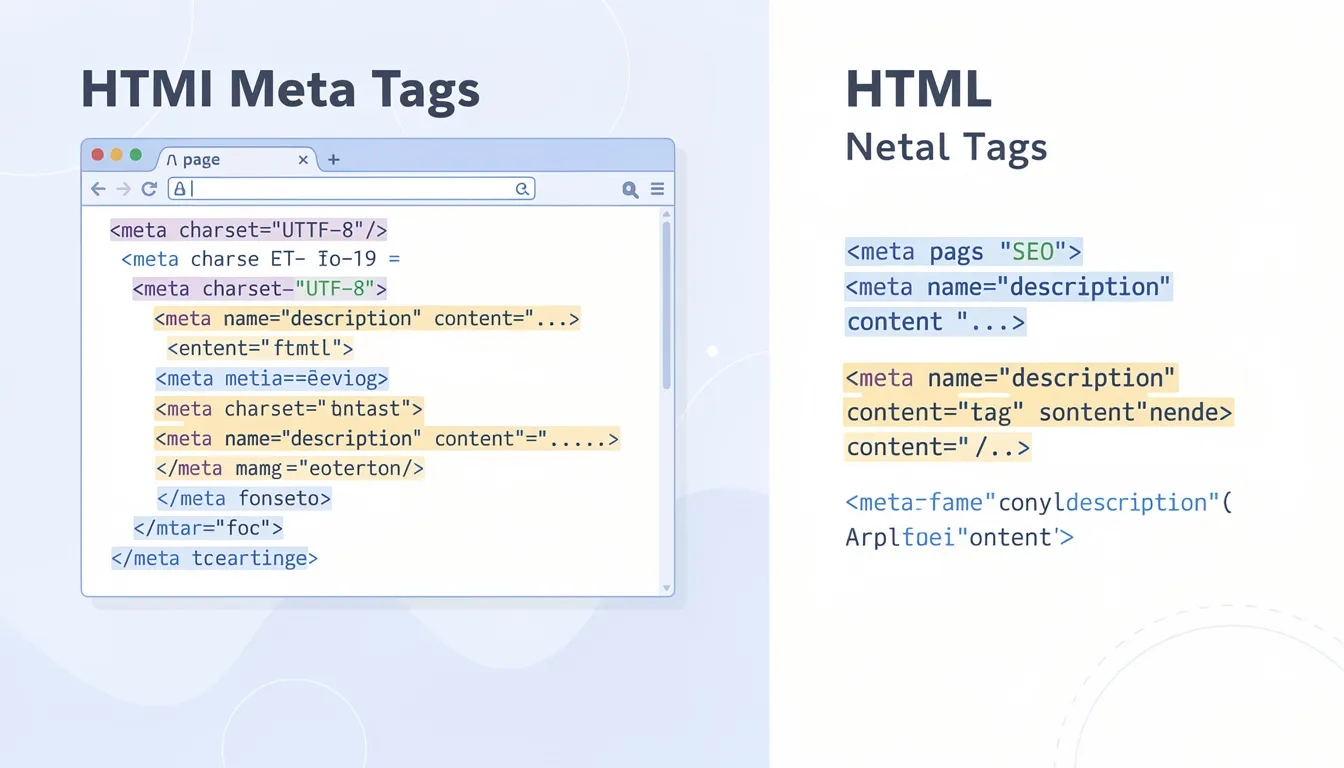
HTML meta tags are snippets of html code placed within the html document's head section. While they are invisible to users browsing your site—they are only included in a page's source code—these tags tell search engines about your page’s content, encoding, viewport settings, and crawling instructions.
Common HTML Meta Tags for SEO
|
Meta Tag |
Purpose |
Example |
|---|---|---|
|
Page Title Tag |
Defines the page title shown in the search results page |
<title>Best SEO Practices 2025</title> |
|
Meta Description |
Summarizes page content for SERPs |
<meta name="description" content="Learn SEO tips..."> |
|
Meta Keywords |
Lists keywords (deprecated for Google) |
<meta name="keywords" content="SEO, marketing"> |
|
Meta Robots |
Controls crawling and indexing behavior |
<meta name="robots" content="index, follow"> |
|
Viewport |
Ensures responsive design on mobile devices |
<meta name="viewport" content="width=device-width, initial-scale=1.0"> |
|
Charset |
Specifies character encoding for proper text rendering |
<meta charset="UTF-8"> |
How Meta Tags Help SEO
-
Provide essential data to search engines crawl and index pages correctly
-
Influence snippet appearance and user behavior in search results
-
Help prevent duplicate meta descriptions and manage crawl budget
-
Remain a fundamental building block of SEO in 2025, influencing both technical performance and user behavior
The Title Tag: The Most Influential On-Page SEO Element
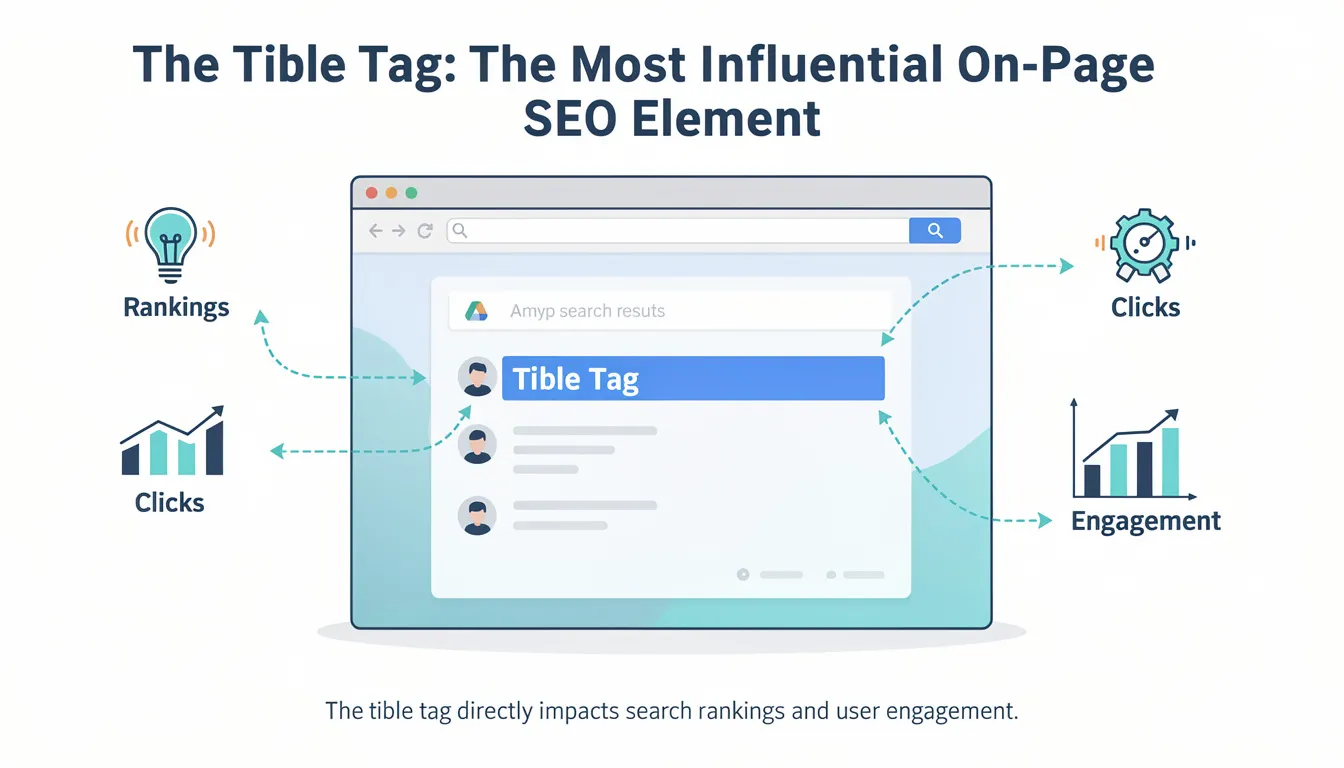
The title tag, often referred to as the "meta title" (though technically it is not a meta tag), remains the most important single element of on-page SEO. It directly influences both search rankings and user engagement.
Best Practices for Title Tags
-
Length: Craft unique, keyword-rich title tags under 60 characters to avoid truncation and title tag issues
-
Keyword Placement: Place primary keywords near the beginning
-
Branding: Include brand name for recognition, separated by dash (-) or pipe (|); using brand names can increase click-through rates if you are a strong brand
-
Uniqueness: Ensure every page has a unique title to avoid duplicate meta titles that confuse search engines
-
Readability: Write titles that are clear, natural, and appealing to users; modern algorithms prioritize natural language and semantic relevance over keyword density, so avoid keyword stuffing
Impact on SEO and User Engagement
-
Serves as the clickable headline in search results, directly impacting click-through rates (CTR)
-
Appears in browser tabs, aiding user navigation
-
Signals page relevance to search engines, influencing rankings
Crafting Effective Meta Description and Meta Description Tag

The meta description tag is a concise summary of your web page's content, usually displayed beneath the page title in SERPs.
Meta Description Length Guidelines
-
Length: Aim for around 155 characters to ensure full visibility on desktop and approximately 120 characters for mobile devices
Meta Description Content Tips
-
Content: Summarize page content clearly and compellingly with a compelling meta description
-
Keywords: Include relevant keywords naturally (avoid keyword stuffing)
-
Uniqueness: Each page should have a unique meta description to avoid duplicate meta descriptions across your site
-
Call to Action: Encourage users to click with phrases like “Learn more,” “Get started,” or “Shop now”
Why Meta Descriptions Matter
-
Improve click-through rates by enticing users
-
Influence user perception of page relevance
-
Google supports rewriting descriptions based on search queries, so focus on relevance and natural language
-
Together with the title tag, determines the clickable headline and summary shown in search results, directly impacting CTR
The Role and Relevance of the Meta Keywords Tag and Meta Keywords
Once a staple in SEO practices, the meta keywords tag has lost its significance.
Historical Context and Current Status
-
Used to list keywords relevant to page content
-
Abused through keyword stuffing, leading to loss of trust
-
Google and Bing stopped using meta keywords for ranking since 2009
-
Still used by some search engines like Yandex and Baidu
Recommendations
-
Avoid relying on meta keywords for SEO
-
Focus on quality content and optimizing other meta tags
-
Use meta keywords only if targeting search engines that still consider them
Utilizing Meta Robots Tags to Control Search Engine Crawlers
The meta robots tag instructs search engines on how to crawl and index your web pages.
Common Directives and Their Uses
|
Directive |
Meaning |
Use Case |
|---|---|---|
|
index |
Allow page to be indexed |
For critical URLs and important pages you want in search |
|
noindex |
Prevent page from appearing in search |
For private, duplicate, or low-value pages to preserve crawl budget |
|
follow |
Allow search engines to follow external links |
Default behavior |
|
nofollow |
Prevent following links on the page |
For untrusted or paid links |
|
nosnippet |
Prevent showing snippet in search results |
For sensitive content or to prevent content from being used in AI overviews |
Benefits of Meta Robots Tag
-
Manage duplicate content issues and avoid duplicate meta descriptions
-
Preserve crawl budget by excluding low-value or private pages
-
Control link equity distribution via follow/nofollow directives
-
Enable fine control over how search engines crawl and index your site’s meta tags and pages
The Viewport Meta Tag: Ensuring Mobile-Friendliness and Responsive Design
The viewport meta tag is critical for responsive design and mobile-friendliness.
How It Works
-
Defines the visible area of a web page based on device width and page's dimensions
-
Controls initial zoom and scaling behavior
-
Helps the browser define the visible area for users, which varies on different devices
Typical Syntax
html <meta name="viewport" content="width=device-width, initial-scale=1.0">
SEO Importance
-
Supports Google’s mobile-first indexing
-
Enhances user experience on all devices by ensuring your site looks good on all screen sizes
-
A missing or incorrect viewport tag can hurt rankings and user engagement
Canonical Tags: Preventing Duplicate Content Issues
Canonical tags specify the authoritative version of a web page when multiple URLs point to similar or duplicate content.
Why Use Canonical Tags?
-
Avoid splitting ranking signals across duplicate URLs
-
Consolidate link equity to preferred page
-
Prevent search engines from indexing unwanted duplicate pages
Example
html <link rel="canonical" href="https://www.example.com/preferred-page-url/" />
Enhancing User Experience and Accessibility with Meta Tags
Meta tags contribute significantly to user experience (UX) and accessibility.
Charset Meta Tag
-
Charset Meta Tag: Specifies character encoding (usually UTF-8) to help with rendering non-ASCII characters correctly
Alt Text for Images
-
Alt Text for Images: Describes images for search engines and visually impaired users; keyword-rich alt text improves SEO and accessibility
Open Graph and Twitter Cards
-
Open Graph and Twitter Cards: Control how content appears on social media platforms and social media posts, driving significantly higher engagement
-
Open Graph tags example: html <meta property="og:title" content="Your Page Title" /> <meta property="og:description" content="Page description" /> <meta property="og:image" content="image-url.jpg" />
-
Twitter Cards example: html <meta name="twitter:card" content="summary_large_image" />
-
Benefits
-
Improves accessibility for users with disabilities
-
Enhances social media sharing and click-through rates
-
Ensures correct display of characters and images
Google Site Verification and Its Connection to Meta Tags
Google site verification confirms your ownership of a website, granting access to tools like Google Search Console.
Verification Methods
-
Step 1: Add a meta tag to the head section
-
Step 2: Upload an HTML file
-
Step 3: Use DNS record verification
Meta Tag Example for Verification
html <meta name="google-site-verification" content="verification_token" />
Benefits of Verification
-
Access to search performance data
-
Ability to submit sitemaps and monitor indexing
-
Receive alerts about site issues, including meta tag issues
Do Meta Tags Still Matter in Modern SEO and Digital Marketing?
Despite evolving search engine algorithms, meta tags remain a foundational element of on-page SEO and digital marketing.
Meta Tags That Still Matter
-
Page title tag
-
Meta description tag
-
Meta robots tag
-
Viewport meta tag
-
Canonical tags
Meta Tags With Limited or No SEO Value
-
Meta keywords tag (mostly deprecated)
Role of Meta Tags in 2025
-
Influence search engine crawlers and user click behavior
-
Help optimize for voice search, AI-driven results, and local marketing with geo-fenced ads
-
Reach your local audience more effectively with hyper-local digital billboards
Best Practices for Meta Tag Optimization to Boost Click Through Rates
To maximize the effectiveness of your meta SEO tags, follow these best practices:
-
Unique Titles and Descriptions: Avoid duplicate meta titles and duplicate meta descriptions across your site to prevent confusion for search engines
-
Natural Keyword Inclusion: Use relevant keywords aligned with user’s search queries but avoid keyword stuffing
-
Concise Lengths: Keep titles between 50-60 characters, descriptions around 120-160 characters
-
Strategic Robots Tag Use: Control indexing and following to optimize crawl budget
-
Regular Audits: Use tools like Google Search Console, site audit tools, or SEO plugins to identify meta tag issues and title tag issues
Measuring the Impact of Meta Tags on Digital Marketing Success
Meta tags play a pivotal role in digital marketing by influencing how your website appears in search engine results and how users interact with your content.
Key Metrics to Track
-
Click-through rates (CTR)
-
Search rankings for target keywords
-
Bounce rate and user engagement metrics
Tools for Analysis
-
Google Analytics
-
Google Search Console
-
SEO audit tools (e.g., SEMrush, Ahrefs, ContentKing)
Frequently Asked Questions (FAQs)
What is the difference between the page title tag and meta title?
The page title tag is the HTML element that defines the page’s title shown in search results and browser tabs. Although often called the "meta title," it is technically not a meta tag because it uses the <title> element, not a <meta> element.
Do meta keywords still affect SEO rankings?
No, major search engines like Google and Bing no longer use the meta keywords tag for ranking due to historical abuse. Some other search engines like Yandex and Baidu may still consider them.
How long should meta descriptions be?
Meta descriptions should ideally be around 120 characters for mobile devices and up to 155-160 characters for desktop to avoid truncation in search results.
Can Google rewrite my meta description?
Yes, Google sometimes rewrites meta descriptions to better match the user's query or to improve snippet relevance, so ensure your descriptions are relevant and well-written.
What happens if I don’t use meta robots tags?
If not specified, search engines generally index and follow all pages by default. However, meta robots tags allow you to control indexing and crawling, which is important for managing duplicate content and crawl budget.
How do viewport meta tags affect SEO?
Viewport meta tags ensure your website is mobile-friendly by controlling page scaling on different devices, which is crucial for Google’s mobile-first indexing and user experience.
Why should I use canonical tags?
Canonical tags prevent duplicate content issues by specifying the preferred URL version for indexing, consolidating ranking signals and protecting your SEO performance.
Conclusion: The Power of Meta SEO Tags in Driving Website Performance
Mastering meta SEO tags is essential for any website owner or digital marketer aiming to improve search engine visibility and user engagement. By understanding the function and best practices of html meta tags—including the meta description tag, meta robots tag, viewport meta tag, canonical tags, and the now less relevant meta keywords tag—you can effectively communicate with search engines and optimize your site for better rankings and higher click through rates. Coupled with tools like Google site verification and ongoing performance measurement, well-optimized meta tags form a cornerstone of successful SEO and digital marketing in today’s competitive online landscape.

0 comments